
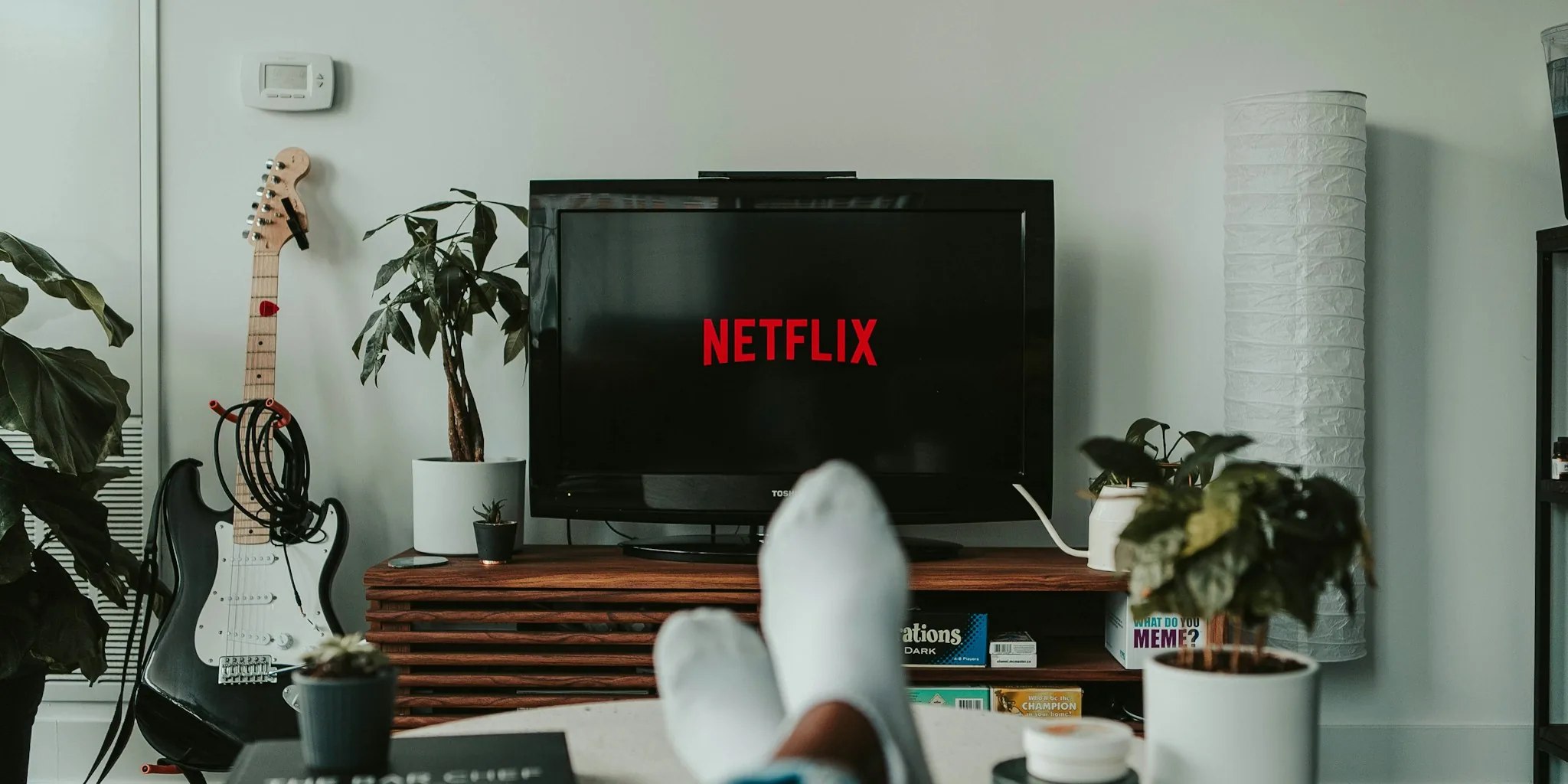

Before you toss those dusty speakers sitting in your garage or closet, consider giving them a second life. Connecting older speakers to your television is an affordable way to dramatically improve your TV audio without spending money on new equipment. This guide walks you through the process, the hardware you might need, and what to expect based on your TV model.
Understanding Your Speaker Type Matters
Not all speakers work the same way, so identifying what you have is the first step. Active speakers, which include most computer speakers and powered monitor systems, have built-in amplifiers and a power cord or USB connection. These are typically the easiest to repurpose because they require minimal additional equipment. They usually terminate in a 3.5mm connector or RCA plugs, both of which are common audio standards your TV might support.
Passive speakers, the larger bookshelf or floor-standing models often found in older hi-fi systems, lack built-in amplification. They need an external amplifier rated to match their specifications, measured in watts and ohms, which is printed on the speaker itself. This requirement adds a step to the setup process but remains straightforward for most setups.
Identifying Your TV’s Audio Output Options
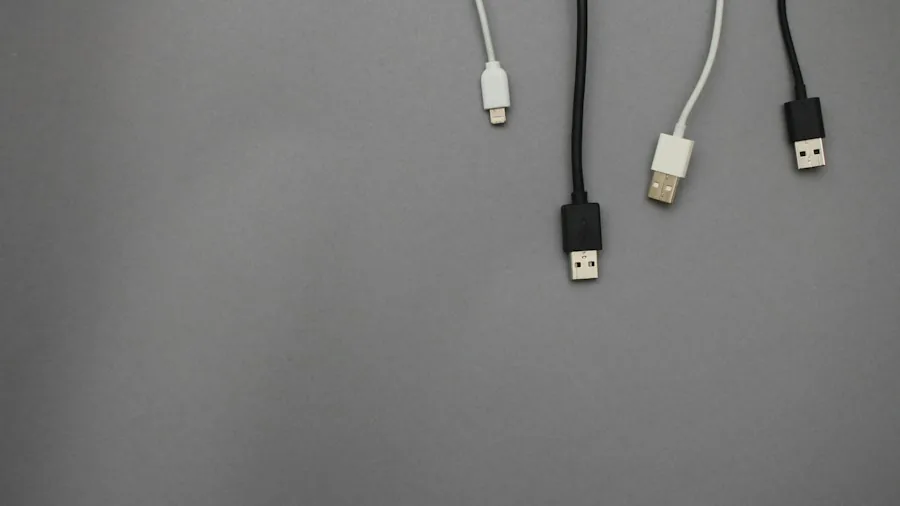
The real challenge lies in what your specific television can output. Most modern TVs don’t have dedicated speaker outputs, so you’ll need to inspect the ports on the back or side of your set. Here are the three most common scenarios you might encounter:
An analog audio output, marked as “audio out,” “line out,” or “headphone,” is ideal. If your TV has this port, you can run a cable directly from the TV to your active speakers with minimal fuss. Yes, it’s perfectly acceptable to use the headphone jack for this purpose.
An optical audio port, sometimes labeled “digital audio out” or “TOSLINK,” requires an inexpensive digital-to-analog converter. This small device sits between your TV and speakers, translating the digital signal into analog sound your speakers can understand. Some speakers and amplifiers have optical inputs built in, which would eliminate the need for a converter altogether.
HDMI ARC (Audio Return Channel) as your only audio output means you’ll need to invest in a streaming amplifier with HDMI ARC capability. These devices take the TV’s audio signal and convert it into power for passive speakers or amplified output for active ones, all in a single unit. This route costs more but consolidates multiple pieces of equipment into one box.
Tackling the Power Challenge for USB Speakers
If you’re planning to use old USB-powered PC speakers, powering them from your TV’s USB port might seem logical but often doesn’t work as intended. Most TV USB ports provide only 2.5 watts of power, designed for firmware updates and flash drives rather than running audio equipment. While this might suffice for small desktop speakers at low volume, it frequently fails at higher volumes.
The simplest workaround is connecting the speakers to a standard USB phone charger instead. Phone chargers deliver substantially more power and keep your speakers running reliably. The trade-off is that speakers won’t automatically turn off with your TV, so you’ll manually switch them or leave them powered.
Some TVs include a dedicated high-power USB port labeled “HDD,” which supplies nearly 1 amp of power and works better for speakers. Check your manual or look for this label on your set. Also note whether your TV maintains USB power during standby: some models keep power on so speakers stay ready, while others cut power to save energy.
Cable Matching and Setup Steps
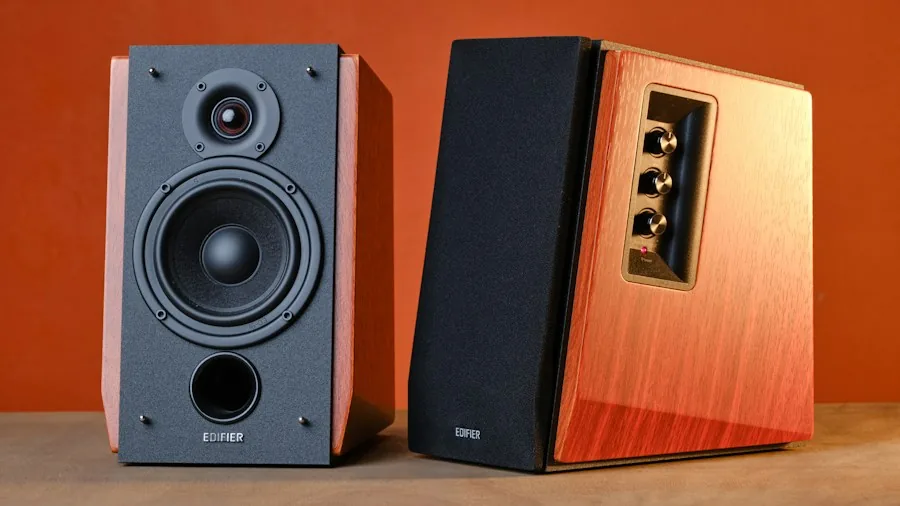
Once you’ve identified your output options, match your speaker connectors to the TV’s ports. A basic 3.5mm-to-RCA adapter or cable costs just a few dollars if your TV and speakers use different connector types. For optical connections, a digital-to-analog converter bridges the gap. When using an optical output, always select PCM audio format in your TV settings rather than Dolby Digital or DTS, as basic converters can’t process those codecs.
If you’re working with passive speakers, the amplifier becomes the middleman in your setup. Run the TV’s audio output into an amplifier input, then connect speaker wires from the amplifier’s output terminals to your speakers. Quality amplification ensures optimal sound reproduction, so match the amp’s power rating to your speaker specifications.
After physically connecting everything, navigate to your TV’s audio settings and switch the output from internal speakers to external, line out, or headphone depending on which port you used. This step is essential and easy to miss.
Optimizing Speaker Placement
Position your speakers on opposite sides of the TV for proper stereo imaging: left speaker on the left, right speaker on the right. Creating balanced sound placement improves the listening experience significantly. If aesthetics matter, tuck speakers slightly behind your TV and angle them slightly outward for clear sound throughout the room while keeping them partially hidden.
Reviving old speakers keeps electronic waste out of landfills while delivering a substantial audio upgrade at zero or minimal cost. The process requires only basic cable knowledge and perhaps a small converter, making it accessible for any shopper looking to enhance their television experience without major expense.





Write Your Review
No reviews yet. Be the first to share your experience!