


Baseball fans across the country are eager to catch every moment of their favorite teams competing for the championship. Whether you’re planning to watch playoff action or regular season games, your television choice significantly impacts your viewing experience. Here’s what you need to know to select and optimize a TV for sports viewing.
Understand Your Screen Size and Viewing Distance
The distance between your couch and your television matters more than most people realize. For optimal viewing of fast-moving sports action, manufacturers recommend sitting about 1.5 to 2.5 times your screen’s diagonal measurement away from the display. A 55-inch model works well for typical living rooms, while larger spaces benefit from bigger screens. The best 55 inch TVs for every budget offer excellent options for standard-sized rooms, but if you have space for something larger, don’t hesitate to go bigger. Baseball games involve rapid ball movement and quick camera cuts, so having sufficient screen real estate helps you track the action without eye strain.
Prioritize Refresh Rate for Smooth Motion
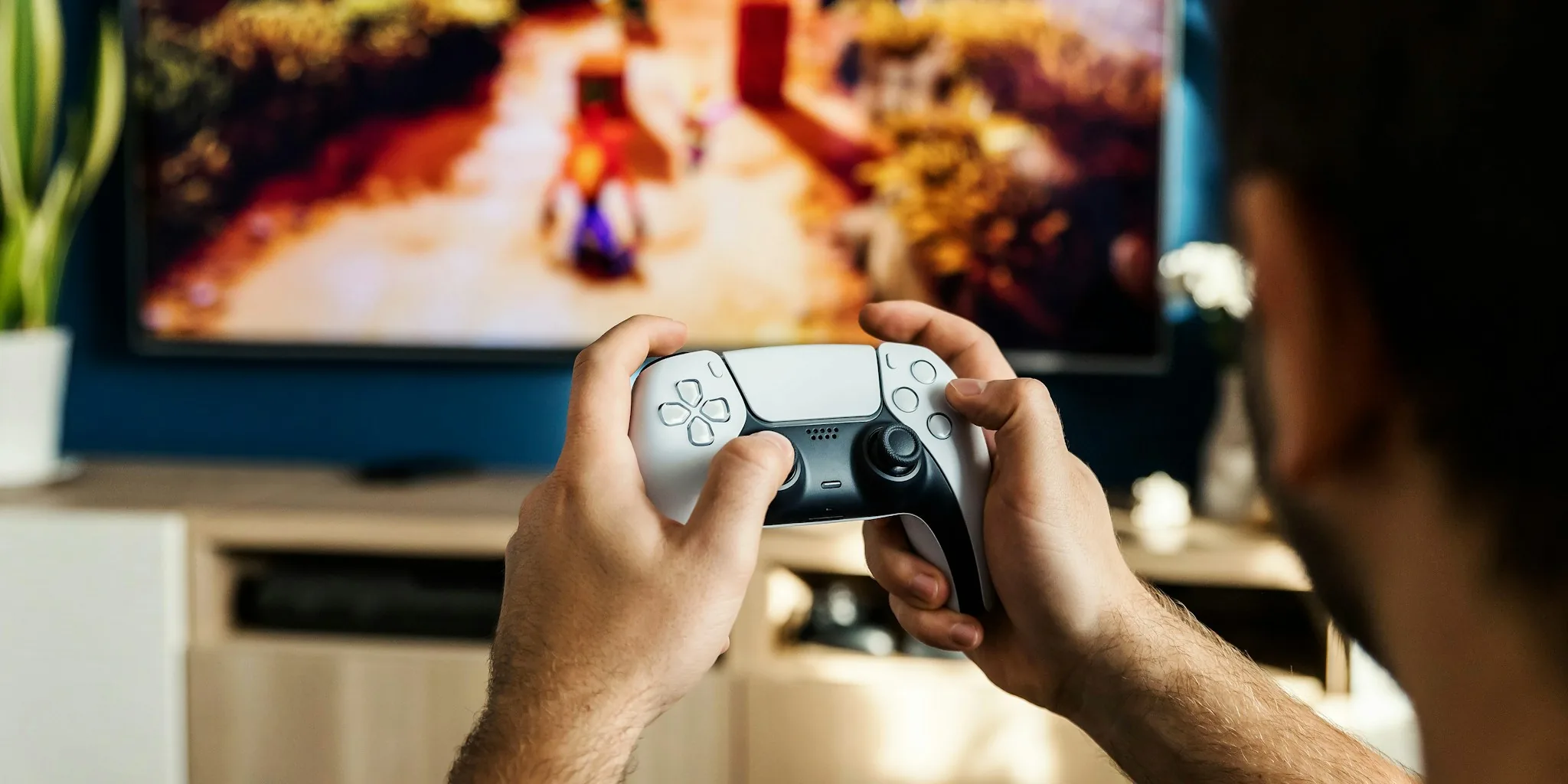
Sports programming demands a television with a high refresh rate to display smooth, fluid motion. Look for TVs with 120Hz native refresh rates or higher, which means the screen updates 120 times per second. This specification becomes critical when watching baseball, where the ball travels quickly across the field and batters swing at high speeds. A TV with lower refresh rates may cause motion blur or judder during these rapid sequences, detracting from your enjoyment. When comparing models, check the manufacturer’s specifications for native refresh rate rather than marketed smoothing features, which use different technologies and produce varying results.
Look for Low Input Lag if You Also Game
Many modern living rooms serve multiple purposes. If you’re someone who enjoys gaming in addition to watching sports, input lag becomes an important consideration. Input lag refers to the delay between when an action occurs and when your television displays it. The best gaming TVs for every budget specifically minimize this delay, typically delivering response times under 20 milliseconds. A TV with high input lag won’t impact your baseball viewing, but it’s worth keeping this spec in mind if your television does double duty for entertainment and interactive media.
Choose a Panel Type That Suits Your Room
Television panels come in different technologies, each with distinct advantages. LED and QLED TVs offer excellent brightness and typically cost less than premium alternatives, making them solid choices for bright rooms where sunlight enters frequently. OLED panels provide superior contrast and deeper blacks, ideal for dedicated home theaters or dimly lit rooms where you want the most cinematic experience. Mini-LED technology offers a middle ground between these options. Consider your room’s lighting conditions and whether you plan to watch during daytime or primarily in the evening when making this decision.
Verify Streaming App Availability and Updates
Before purchasing, confirm that your chosen television includes built-in support for the streaming platforms carrying baseball games in your region. Most major TV brands offer apps for popular streaming services, but the available selection varies by manufacturer and model year. Check whether the TV receives regular software updates, as streaming platforms frequently change their app versions. A TV that supports your preferred streaming services today should continue receiving updates for at least three to five years, though older models may eventually lose support for newer app versions.
Evaluate HDR Capabilities for Broadcast Quality

HDR, or high dynamic range, enhances color depth and brightness range, making images appear more lifelike and detailed. Major sporting events are increasingly broadcast in HDR, and having a TV that supports this technology ensures you experience games as intended by broadcasters. Look for models certified for HDR10 at minimum, with HDR10+ or Dolby Vision support providing even better results. HDR makes a noticeable difference in outdoor stadium scenes, allowing you to see details in both bright sky areas and shadowed portions of the field simultaneously.
Consider Audio Quality Alongside Video Performance
Picture quality matters, but audio deserves equal attention when selecting a sports TV. Baseball broadcasts include commentary, crowd noise, and play-by-play analysis that contribute significantly to the viewing experience. The best 85 inch TVs we recommend for movies and sports often feature superior built-in speakers compared to mid-range models. If your chosen TV has modest audio capabilities, investing in a soundbar or basic home theater system will enhance your enjoyment considerably. The right combination of visual and audio quality transforms how you experience championship games and regular season matchups.




Write Your Review
No reviews yet. Be the first to share your experience!