
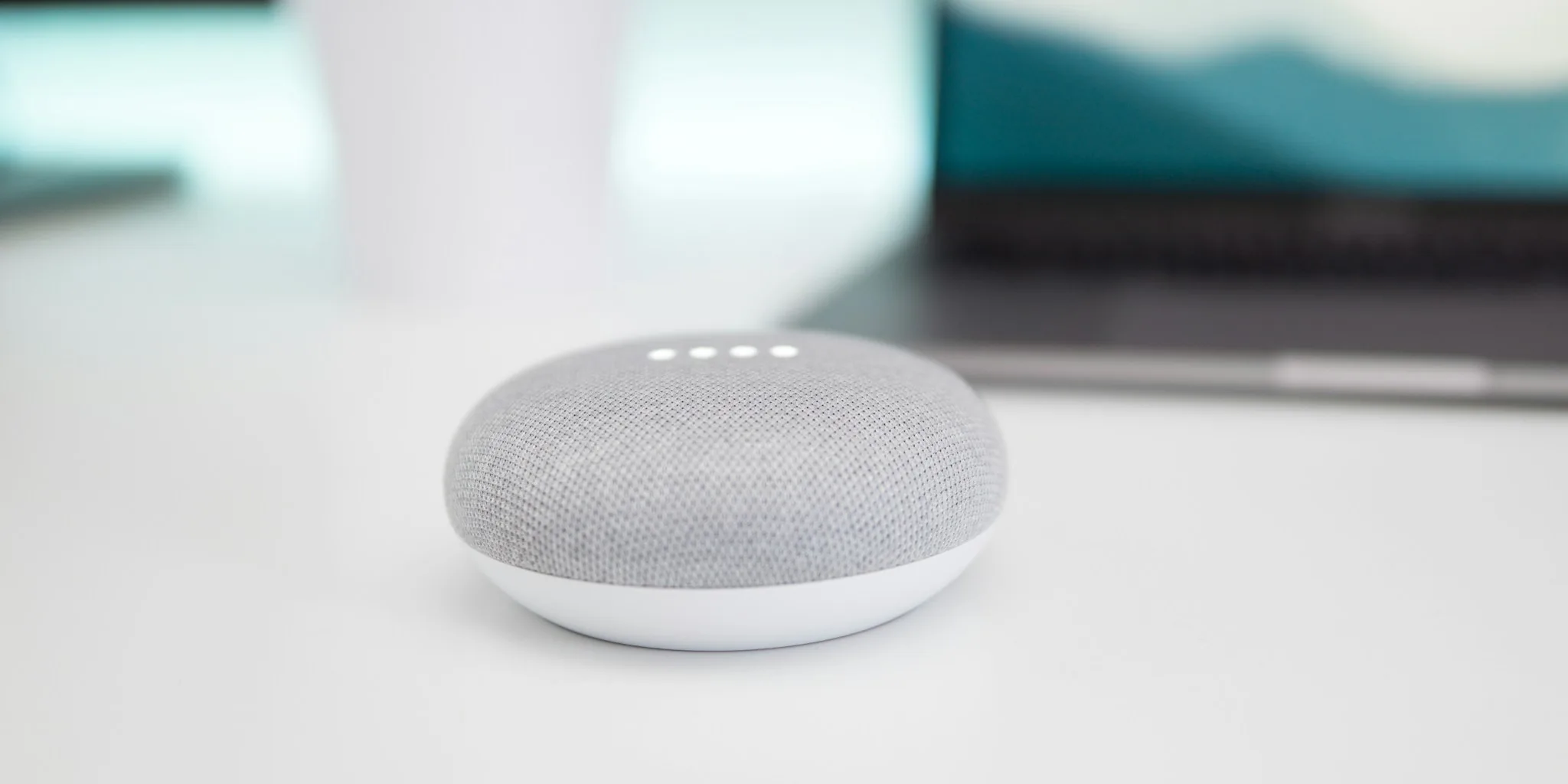

Getting Your Smart Speaker Connected and Ready to Use
Setting up a new smart speaker doesn’t have to be complicated. Whether you’re installing your first unit or adding multiple speakers throughout your home, the process has become much more straightforward in recent years. The key is having the right app on hand and following a few essential steps to ensure smooth connectivity.
Start by downloading the official app for your speaker to your smartphone or tablet. Create an account and ensure both your speaker and mobile device are connected to the same Wi-Fi network before beginning setup. Once you’ve plugged in your speaker and opened the app, you’ll typically see an option to start a new system or add a device. The app will scan for your speaker automatically, then guide you through connecting it to your Wi-Fi network. Have your router password ready for this step. You’ll then assign your speaker to a room using preset options, or create a custom room name that works best for your space.
Adding Multiple Speakers to Your Setup

If you’re planning to expand beyond a single speaker, the process becomes even easier. Most smart speaker apps allow you to add additional units through a simple settings menu option. Just navigate to the appropriate section and select the option to add a new speaker or component. The app will handle the detection and configuration automatically.
Keep in mind that if you’re building a complete surround sound system, matching speaker models typically work best together. Mixing different generations or product lines can sometimes create compatibility challenges. You can also integrate voice assistants and streaming services through the settings menu, giving you voice control and access to your favorite music platforms.
Troubleshooting Connection Issues
If your app isn’t finding your speaker, network problems are usually the culprit. The most common issue is having your speaker and app on different networks. Never connect your speaker to a guest network if your phone is on the primary network, as this will prevent proper communication. Similarly, if you’ve recently changed your router password, update your speaker’s network credentials through the app.
VPN software can also interfere with the connection process, so temporarily disable yours if you’re experiencing setup difficulties. For smartphone and tablet users, make sure the app has permission to access your device’s network settings. If basic troubleshooting doesn’t work, try rebooting your speaker by unplugging it for at least ten seconds, then powering it back on and waiting approximately one minute before attempting to pair it again.
If you still see a “no products found” message after a standard reboot, perform a factory reset as a final resort. This will erase any saved custom settings, so only proceed if other solutions have failed. Check your speaker’s manual for the specific reset button or procedure, as the location varies by model. Keep software updates current through your app to prevent future connection problems.
Enhancing Your Speaker’s Sound Quality
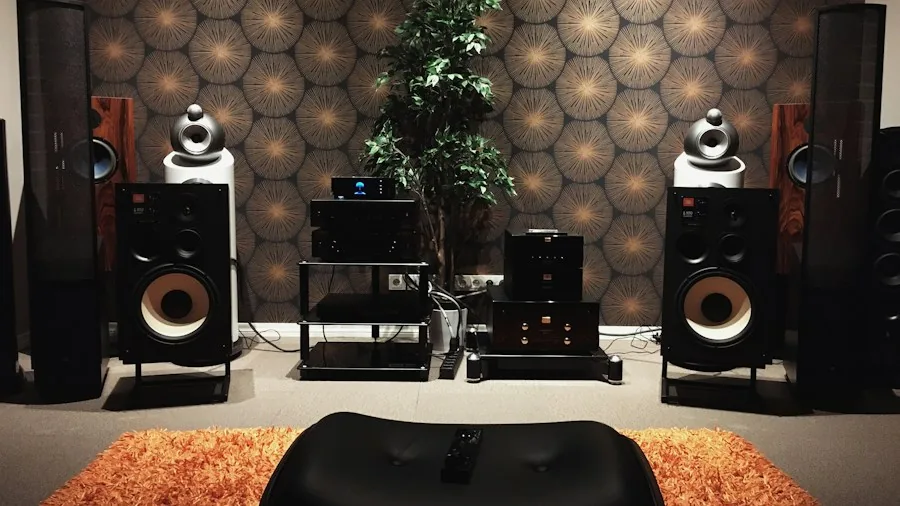
Once your speaker is connected and working, you can significantly improve its audio performance through in-app adjustments. Most speakers offer equalizer controls that let you adjust bass, treble, and other frequency ranges. Access these settings through your app’s sound or EQ menu. Small adjustments using the available sliders can make a real difference in clarity and overall audio balance. If you own a subwoofer, avoid pushing the bass settings too high, as excessive low-end output can disturb neighbors and degrade sound quality.
For those using their speaker as part of a home theater setup, look for room analysis features that measure your space’s acoustics. These tools work by emitting test tones while you walk around your room. The app measures these tones through your phone’s microphone to understand your room’s dimensions and furniture placement. Based on this data, the speaker applies subtle acoustic adjustments to create more balanced sound throughout your space. While not a dramatic transformation, this calibration creates a noticeably more refined listening experience.
Home theater-specific features like night sound and speech enhancement help you fine-tune the audio for your viewing habits. Night sound reduces sudden loud moments, perfect for late-night watching, while speech enhancement makes dialogue clearer when special effects are competing for attention. These tools complement quality speakers designed for every room size and let you extract the best performance from your equipment.
Voice Assistants and Streaming Integration
Most smart speakers integrate with popular voice assistants and music streaming services. Through your app settings, you can connect Amazon Alexa, Google Assistant, or other voice platforms to enable hands-free control. Link your favorite music streaming services to access your full library without manual setup. This integration transforms your speaker from a simple audio device into a complete smart home component.
Regularly check for app updates, as manufacturers continuously improve compatibility and add new features. These updates often address connection stability and introduce new sound enhancement options. Keeping your software current ensures you have access to the latest features and maintains reliable performance over time. For those interested in exploring portable options alongside stationary systems, understanding your main speaker’s full capabilities first helps you make informed decisions about expanding your audio setup.




Write Your Review
No reviews yet. Be the first to share your experience!