
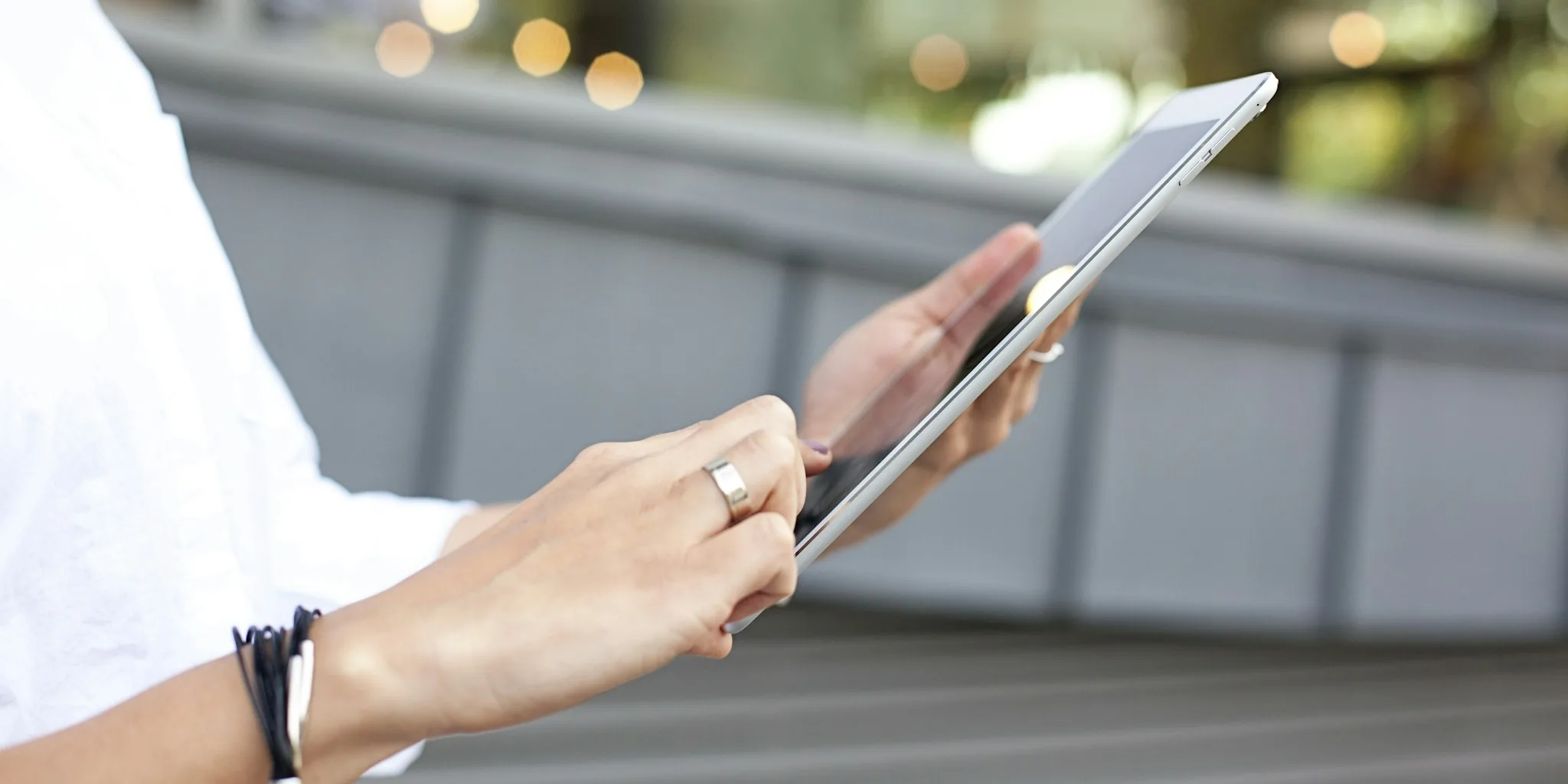

Traveling abroad doesn’t mean you have to miss your favorite shows and movies. If you’re heading overseas for business or vacation, you can still access your home streaming library and watch content on any compatible device. Here are seven practical tips to help you stream your TV entertainment from anywhere in the world.
1. Understand Regional Content Restrictions
Streaming services like Amazon Prime Video maintain different content libraries in different countries due to licensing agreements and copyright laws. Your favorite movies and shows available at home may not be accessible when you’re traveling internationally. This is one of the biggest frustrations travelers face, but knowing this limitation exists is the first step toward solving it. Understanding why these restrictions exist helps you plan accordingly before your trip.
2. Use a Virtual Private Network to Unlock Your Home Library
A VPN allows you to securely connect to the internet through a server in your home country, making it appear as though you’re streaming from home. This is one of the most effective ways to access your usual content catalog while abroad. Top-tier VPN providers offer reliable connections, strong encryption, and servers in multiple countries. Choose a VPN service known for consistent streaming performance and fast connection speeds to avoid buffering issues while watching your shows.
3. Download the Streaming App Before You Travel
Install your streaming app on your phone, tablet, or laptop before leaving home. Having the app pre-downloaded ensures you can quickly log in once you’re abroad and have your VPN active. For Samsung TVs and other smart TV models, make sure the streaming app is available in your room or hotel setup. This preparation saves time and eliminates the hassle of searching for the app in an unfamiliar location.
4. Test Your VPN Connection Before Departure
Don’t wait until you’re overseas to discover your VPN isn’t working properly. Test your chosen VPN service at home, connecting to a server in your home country and verifying that you can access your streaming content. This trial run helps you confirm the setup works and gives you time to troubleshoot any issues. A working test at home means you’ll have uninterrupted entertainment access while traveling.
5. Check Device Compatibility for On-the-Go Viewing
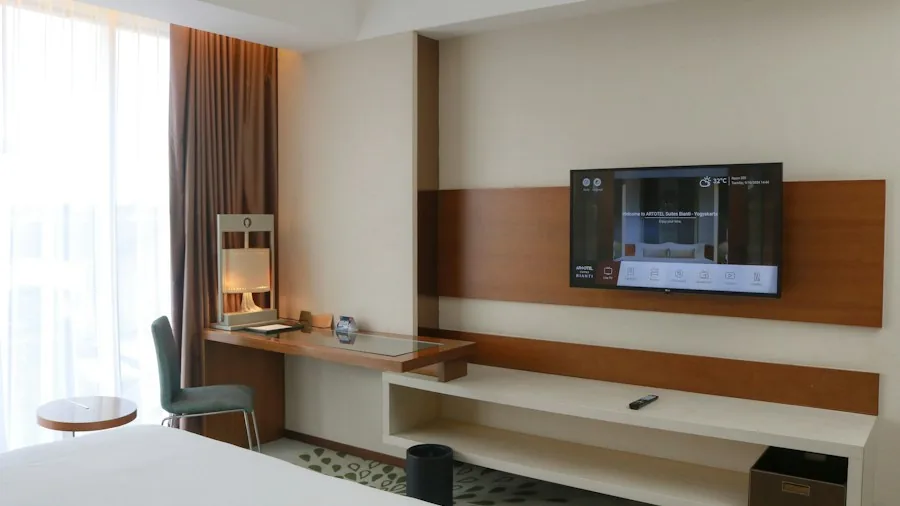
Most major streaming platforms work across smartphones, tablets, computers, and smart TVs. If you’re planning to watch on a hotel room television or a rental property, confirm the device supports your streaming app. 50-inch and larger TV models typically have built-in compatibility with popular apps, but older or budget models may not. Knowing your device options ahead of time prevents disappointing surprises when you arrive.
6. Keep Your Login Credentials Secure
When connecting through public Wi-Fi networks abroad, always use your VPN to protect your streaming account credentials. Never log into your account on unsecured public networks without VPN protection, as this leaves your login information vulnerable to interception. A secure VPN connection encrypts all your data, including passwords and personal information. This is especially important when streaming from hotels, airports, or cafes with open Wi-Fi networks.
7. Maintain a Stable Internet Connection
Streaming video requires consistent, reliable internet speed. Unstable connections abroad can result in constant buffering and interrupted viewing. Connect to the strongest available Wi-Fi network and position yourself close to the router for optimal signal strength. If your accommodation has poor internet, consider visiting a location with better connectivity, such as a hotel lobby or public space with robust Wi-Fi. Outdoor viewing setups away from your main connection point will need particularly strong signal strength to perform smoothly.
What Content Can You Actually Stream
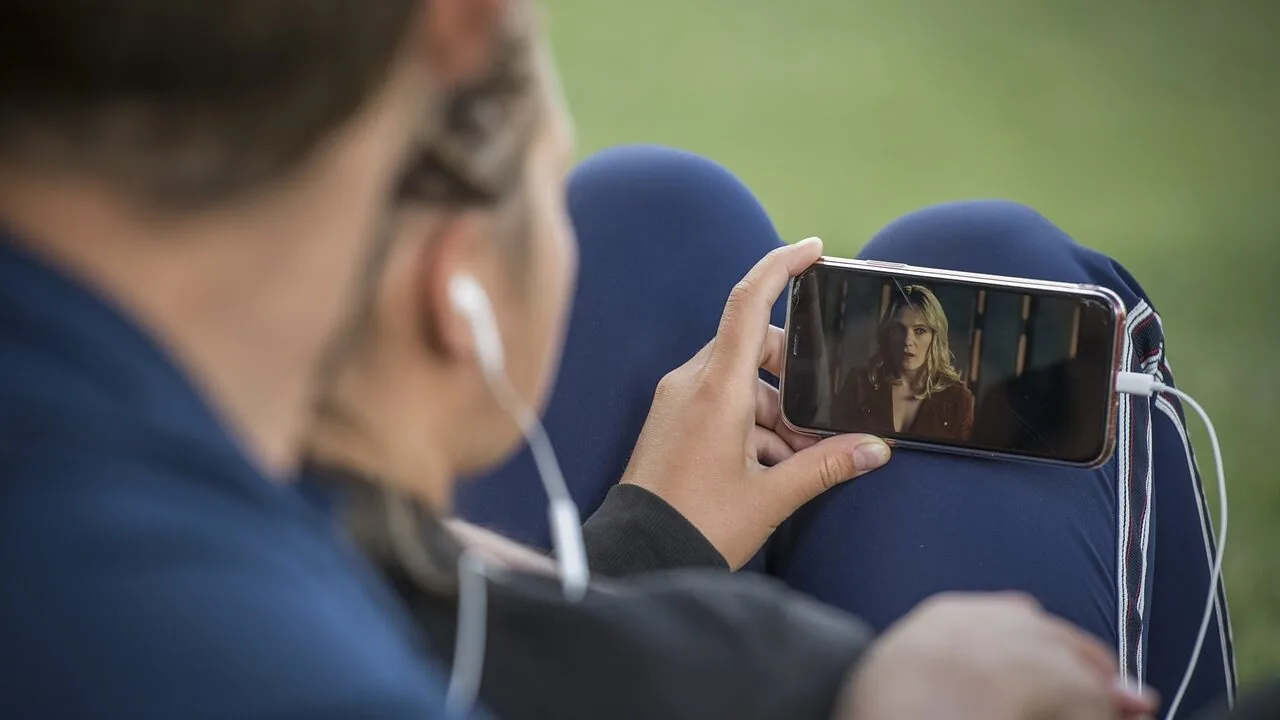
Your streaming service likely includes movies ranging from classic favorites to new releases, plus TV series and live sports depending on your location. Many platforms offer exclusive original programming and regional productions. Sports availability varies by country, so check what’s included in your specific market. Having a clear idea of what content is available helps you plan your entertainment schedule before traveling.
Alternative Devices for Streaming While Away
Beyond smart TVs, you can stream on laptops, tablets, and smartphones. Portable devices offer flexibility when you’re moving between locations. Most streaming apps are optimized for mobile viewing, making phones and tablets convenient options. If you’re staying in one place, connecting your laptop to a TV via HDMI cable gives you a larger viewing experience without needing a smart TV built-in app.
With these seven tips, you can maintain access to your favorite streaming content no matter where your travels take you. Planning ahead and using the right tools ensures your entertainment library stays with you across the globe.





Write Your Review
No reviews yet. Be the first to share your experience!