


Your headphones are only half the battle when it comes to audio quality on Android. Even premium gear won’t deliver its best sound if you’re not optimizing the entire audio chain, from your phone’s settings to your music app and everything in between. The good news: with a few strategic adjustments, you can unlock significantly better sound quality from whatever headphones you’re already using.
1. Turn Off Phone Audio Processing First
Android devices apply various audio effects by default, and almost all of them degrade sound quality. Before making any other changes, dive into your phone’s settings and disable every audio enhancement available. This means turning off built-in equalizers, spatial audio features, Dolby enhancements, and any other processing tools. The goal is to start with a clean signal so you can add your own customization later. Check your sound settings, developer options, and any audio apps that came pre-installed on your device.
2. Choose Wired Headphones and a Quality DAC When Possible
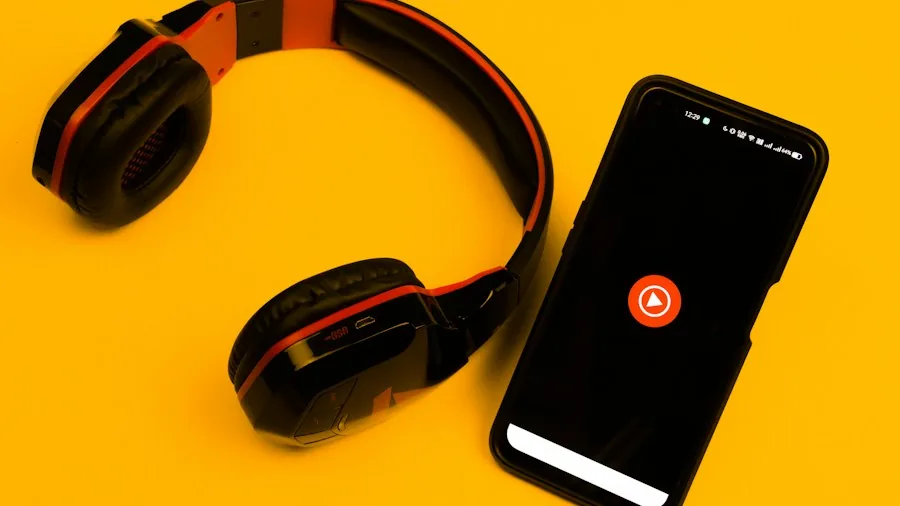
Wired audio is the simplest path to excellent sound quality because it completely bypasses Bluetooth compression. Most modern Android phones don’t have a 3.5mm jack, so you’ll need a digital-to-analog converter, or DAC, which converts your phone’s digital signal into the analog sound your headphones can reproduce. You don’t need an expensive external box, even a USB-C-to-headphone adapter counts as a DAC. Look for one that supports high-resolution decoding up to 32-bit and 96kHz. Many users swear by budget-friendly options, so you don’t need to spend hundreds of dollars to see a real improvement.
3. If Using Bluetooth, Enable High-Resolution Codecs
Bluetooth doesn’t have to mean compromised audio. While the standard Bluetooth codec is very lossy, newer high-resolution codecs like aptX and LDAC can deliver noticeably better quality. Check whether your Android phone and headphones both support one of these codecs, then enable it in your Bluetooth settings. On many devices, you’ll find this option in the Bluetooth menu next to your connected headphones, and sometimes in developer settings as well. If your gear supports LDAC or aptX HD, you’ll get significantly better sound than the default codec provides.
4. Pick a Music App That Supports Lossless Audio
Your player app matters more than most people realize. Popular streaming services like Spotify, Apple Music, Tidal, and Qobuz all offer lossless audio options, meaning they preserve more detail from the original recordings. If you want the absolute highest quality and bit-perfect playback, local player apps like USB Audio Player Pro or Poweramp are worth considering, especially if you listen to music files stored on your phone. These apps bypass Android’s default mixer, giving you direct control over the audio signal. For casual listeners, any major streaming service is fine, but for serious audiophiles, the choice of app directly impacts sound quality.
5. Use AutoEQ to Tune Your Headphones Professionally
Most consumer headphones don’t sound perfect straight out of the box because everyone’s ears and preferences are different. Rather than guessing at EQ settings, visit autoeq.app and search for your exact headphone model. The site generates professionally calibrated EQ profiles based on measurements and allows you to export settings directly into your favorite audio app. This approach gives you custom sound tuning without the guesswork, and you can create separate profiles for each pair of headphones you own. Check out our selection of wireless headphones that pair well with these optimization techniques.
6. Understand the Audio Signal Chain on Your Phone
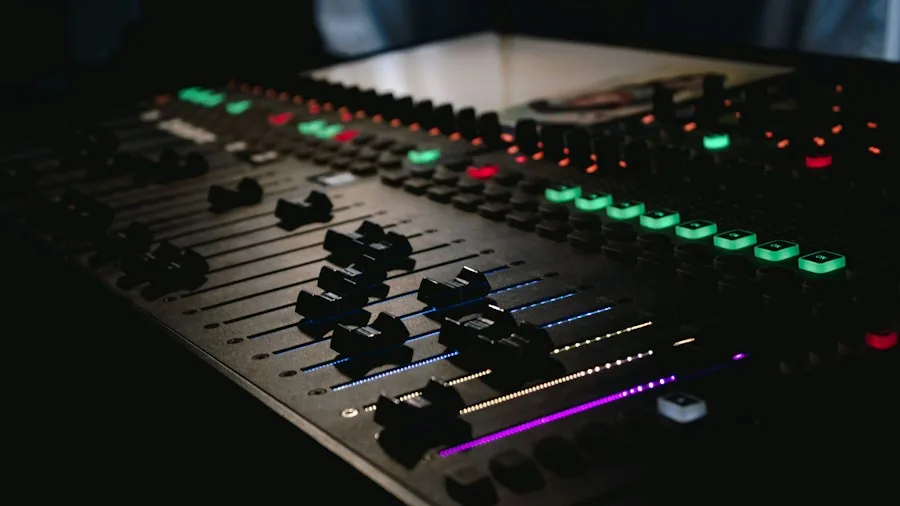
Android routes audio through several layers before it reaches your ears: the app, the operating system’s mixer, effects processors, and finally the hardware. Each layer can alter the signal. Understanding this chain helps you decide where to make adjustments. For example, if you want bit-perfect audio, you need an app that can bypass the mixer entirely. If you’re okay with some processing, you can use Android’s built-in tools. Most listeners don’t need to worry about this level of detail, but knowing it exists helps you make informed choices about which tools to use.
7. Balance Bit-Perfect Audio With Custom EQ
Here’s the tension in audio optimization: truly bit-perfect audio means no changes to the signal at all, but you probably want to customize your sound. The solution is to use an app that delivers a clean, unprocessed signal and then apply EQ on top of that. This way, you get the benefits of a pure audio stream while still getting personalized sound. Apps like Wavelet can apply consistent EQ across all your phone’s audio output when headphones are connected, making this approach seamless. Quality noise cancelling headphones benefit especially from this balanced approach, allowing you to hear both clarity and your custom tuning together.
Getting better sound from your Android phone doesn’t require expensive equipment or complicated technical knowledge. Start by disabling built-in audio effects, choose your playback method based on whether you want wired or wireless audio, pick an app that supports high-quality audio, and then fine-tune everything with EQ. Each of these steps is straightforward, but together they transform your listening experience into something significantly more detailed and enjoyable.





Write Your Review
No reviews yet. Be the first to share your experience!