
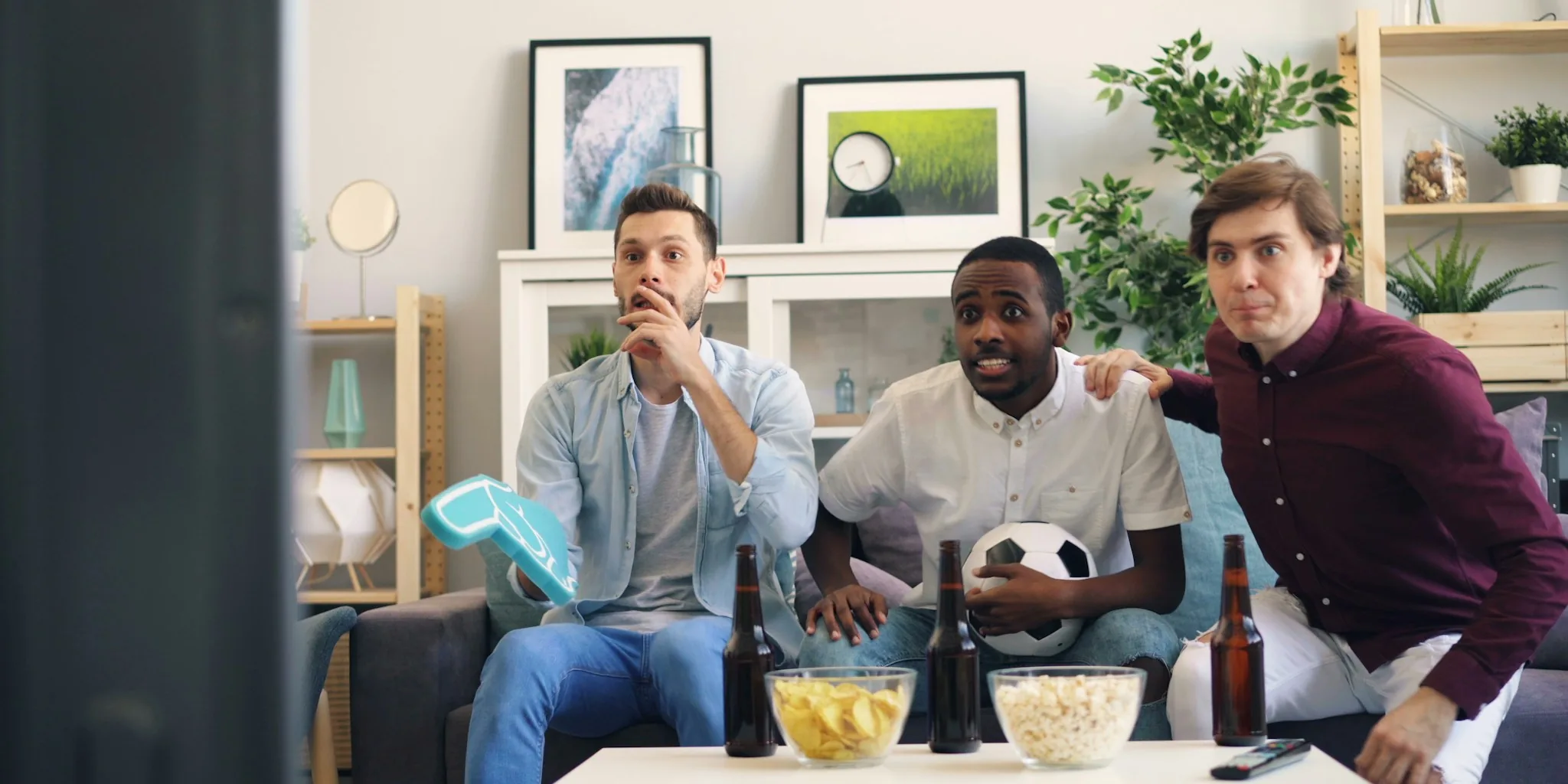

The 2026 FIFA World Cup final will be one of the most anticipated sporting events of the year, and watching it on your TV at home offers the perfect way to enjoy the match with family and friends. Whether you’re a casual fan or a serious football enthusiast, preparing your TV setup in advance ensures you won’t miss a moment of the action. Here are seven essential tips to optimize your viewing experience for the World Cup 2026 final.
1. Check Your TV’s Streaming Capabilities
Before game day arrives, verify that your television supports the streaming services broadcasting the World Cup final in your region. Most modern smart TVs come with built in apps for major networks and streaming platforms. If your TV is older, you may need to use an external device like a streaming stick, Roku, Apple TV, or similar hardware. Testing these connections now prevents frustrating technical issues on match day.
2. Ensure Strong Internet Connection
A reliable broadband connection is critical for uninterrupted streaming. If you’re planning to watch on a smart TV or streaming device, position your router closer to your viewing area or consider upgrading to a faster internet plan. Run a speed test beforehand to confirm your connection can handle high quality video without buffering. A minimum of 25 Mbps is recommended for 4K streaming on wall mount TVs and premium displays.
3. Optimize Your TV Picture Settings
Adjust your TV’s brightness, contrast, and color settings to enhance your viewing experience. Most televisions have preset picture modes like Sports or Standard that work well for live events. If your TV supports it, enable features like motion smoothing or TruMotion for fast paced action without blur. Test these settings a few days before the match to find what looks best in your viewing room’s lighting conditions.
4. Plan for Extended Halftime Entertainment
The 2026 World Cup final will feature a special halftime show lasting approximately 25 to 30 minutes, bringing together world renowned musical performers and special entertainers. Plan accordingly if you’re hosting a watch party, as guests may need refreshments or snacks during this extended break. Have appetizers and drinks ready beforehand so you don’t miss any of the entertainment when it airs.
5. Know the Broadcast Time in Your Zone
The final kicks off at 8pm BST, 3pm ET, or 7am AEST on Monday for Australia based viewers. Calculate when this translates to your local time and set reminders on your phone and calendar. Arrive at your viewing location at least 15 minutes early to handle any last minute technical adjustments. This is especially important if you’re planning a group viewing event.
6. Select the Right Display Size
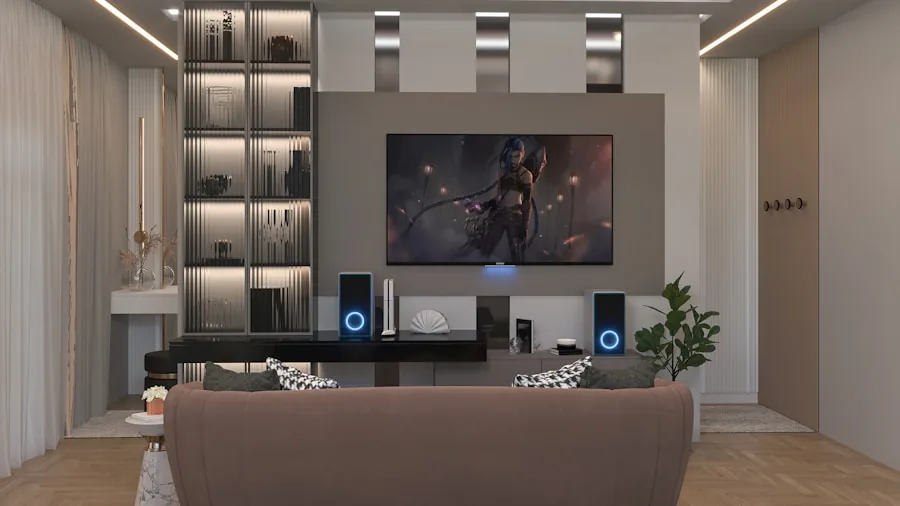
The bigger your screen, the more immersive the experience becomes for football. If you’re shopping for a new TV specifically for major sporting events, consider a quality 55 inch or larger model depending on your viewing distance and room layout. Larger displays allow you to catch more details like player positioning and ball movement, enhancing your understanding of the match tactics.
7. Test Audio Quality Beforehand
Don’t overlook sound quality when preparing to watch the final. Check your TV’s speaker output or connect external speakers if available. Many match broadcasts include dynamic crowd noise and commentary that adds to the atmosphere. If you have a soundbar or home theater system, run a quick audio test to ensure all speakers are functioning properly and balanced correctly for your space.
Beyond these preparation steps, remember that watching on a well configured display transforms the entire experience. Take time now to address any technical concerns, and you’ll be fully prepared to enjoy the 2026 World Cup final without interruption or disappointment.


Write Your Review
No reviews yet. Be the first to share your experience!