


MacBook Buying Guide for Students: Which Model Fits Your Major
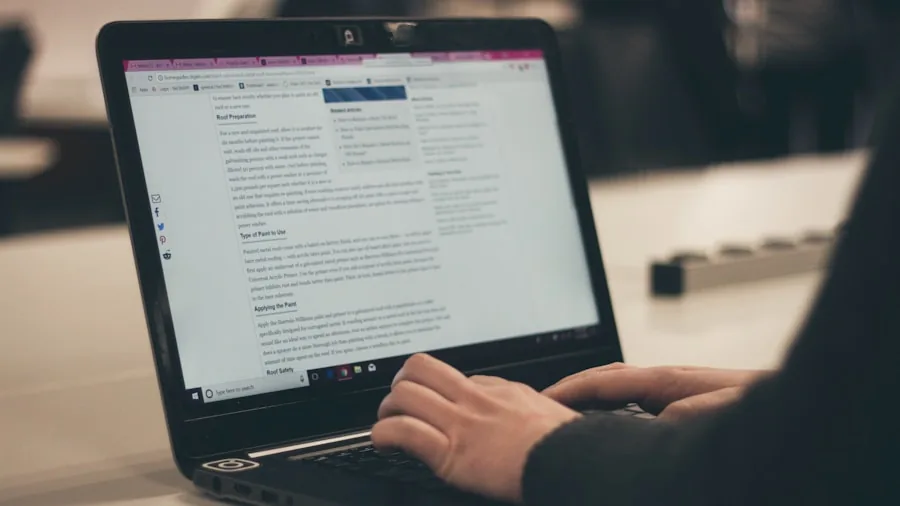
Back-to-school season means making tough tech choices on a student budget. Apple’s MacBook lineup has expanded significantly, and each model now targets a different type of learner. Whether you’re a writing-focused humanities student, an engineering major running intensive software, or somewhere in between, there’s a MacBook engineered for your specific needs. Understanding the differences between today’s options helps you spend wisely without overpaying for features you’ll never use.
The Entry Point: MacBook Neo for Budget-Conscious Shoppers
Apple’s newest MacBook Neo brings the starting price down substantially compared to previous years. Built with an A18 Pro chip, aluminum construction, and access to macOS, the Neo delivers the Apple ecosystem experience at a cost that rivals premium Chromebooks and budget Windows laptops. The 13-inch Liquid Retina display is genuinely sharp and bright, a major step up from the dim panels typically found in this price range.
The trade-offs are real though. Base models ship with only 8GB of unified memory, slower storage speeds, no keyboard backlighting, and no Touch ID on the most affordable configurations. These cuts sting if you’re juggling dozens of browser tabs, running multiple creative applications, or encoding video files. For students primarily working in Google Docs, Microsoft Word, web browsers, and streaming platforms, the Neo is the most affordable sensible entry into Apple’s ecosystem and far more durable than disposable budget laptops that slow down after a year.
The Balanced Choice: M5 MacBook Air for Most Students
If one MacBook works for the majority of students, it’s the M5 MacBook Air. This 13-inch model weighs just 2.7 pounds, making it genuinely portable between classrooms and libraries without the bulk or price of a Pro. The fanless design keeps it silent during lectures and study sessions, and the Liquid Retina display is sharp enough for hours of reading and writing.
Real-world performance feels snappy for research, coding coursework, video conferencing, and streaming. Battery life comfortably covers a full day of classes without needing a charger hunt between buildings. Apple’s keyboard and trackpad remain the best you’ll find on any laptop, which matters enormously when you’re writing essays and working on assignments for hours at a time. The 16GB memory and 512GB storage configuration strikes the sweet spot for long-term reliability through four years of college. You’re getting genuine value without paying extra for features aimed at professionals.
The Creative Workstation: M5 MacBook Pro for Demanding Coursework
Students in film production, 3D design, music production, software engineering, and data science need the M5 MacBook Pro. Its active cooling system and advanced silicon handle intensive workloads that would throttle the Air. Large video files, complex design projects, and compilation-heavy programming all run meaningfully faster.
The Liquid Retina XDR display reaches 1,600 nits of peak brightness and delivers accurate color for creative work, a major upgrade over the Air’s panel. Extra ports matter here too: HDMI, SD card slot, MagSafe, and three Thunderbolt connections reduce your reliance on adapter hubs when moving between editing suites and studios. Even the base 1TB storage configuration offers substantially more headroom than the Air for project files and media libraries. Battery endurance remains excellent compared to similarly powerful Windows workstations, giving you freedom to work anywhere on campus. These machines are built to remain useful through years of demanding coursework.
Smart Shopping for Back-to-School Season
Buying the right MacBook now means avoiding buyer’s remorse and painful mid-semester laptop struggles. Spend time honestly assessing what you actually do on a computer. If your days involve browsing, email, documents, and video calls, don’t overspend on processing power you won’t use. If you’re rendering video, writing code, or designing 3D models, budget for the Pro’s performance and display. The Air works beautifully for the vast majority of students between these extremes.
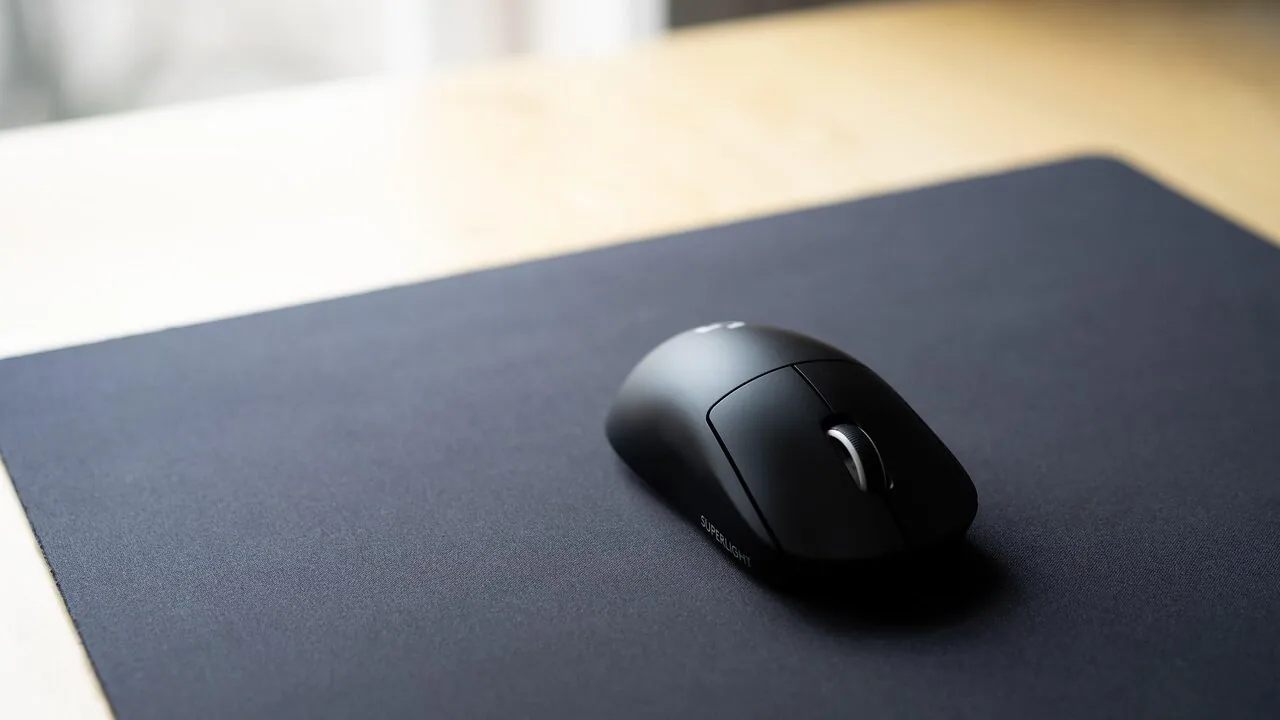
Factor in that external peripherals like a quality mouse can improve your productivity and comfort during long study sessions. Back-to-school sales are an ideal time to grab these essentials alongside your MacBook purchase, preventing the tangle of last-minute shopping.
Your college years are expensive. Choose your MacBook based on honest needs, not marketing hype or what your roommate chose. The right decision saves you hundreds of dollars and ensures your laptop lasts through graduation without frustration.


Write Your Review
No reviews yet. Be the first to share your experience!