
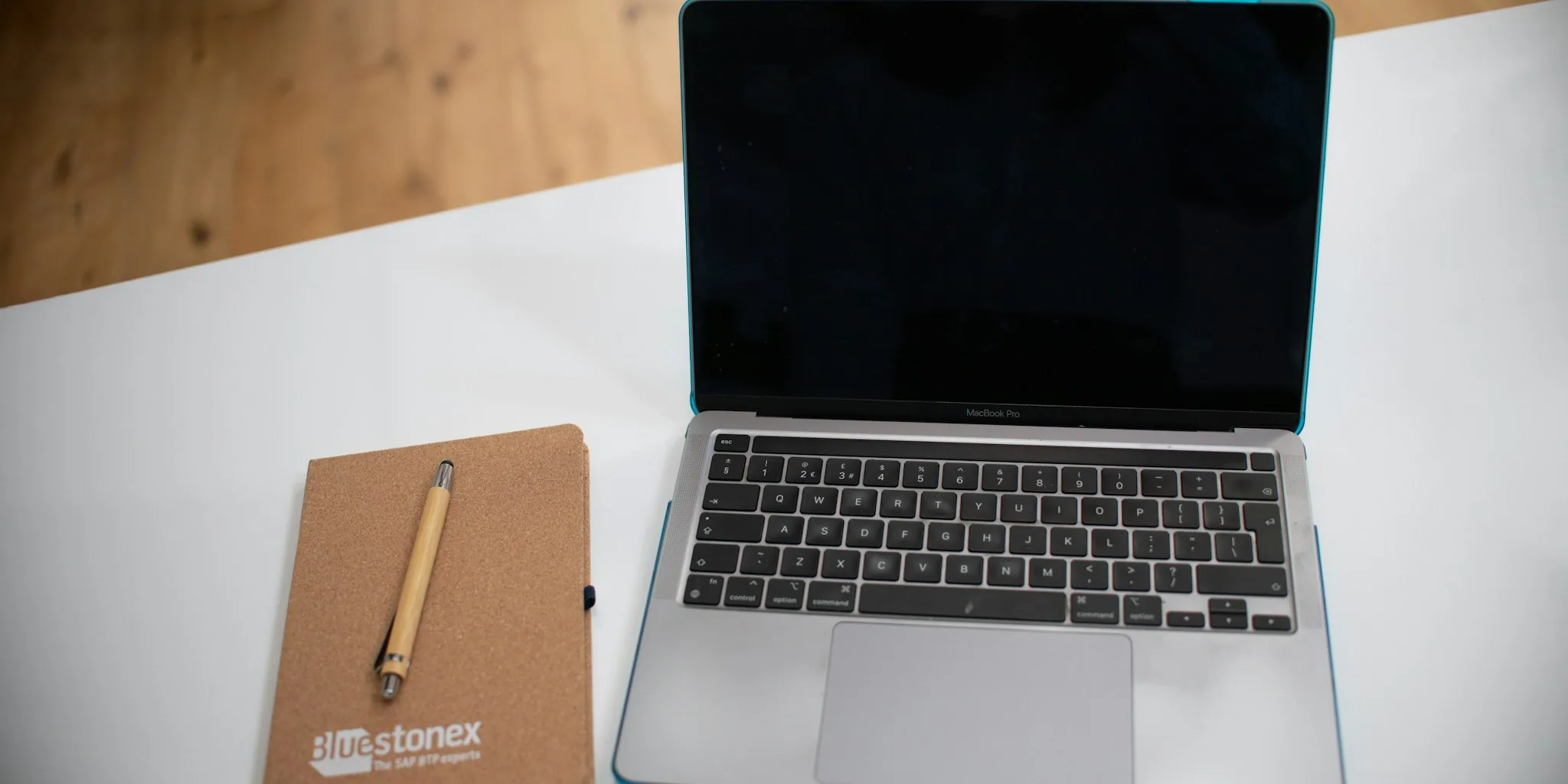

A lightweight Mac application called Slidr is changing how MacBook users adjust volume and brightness, adding gesture-based controls directly to your trackpad edges. Instead of hunting for keyboard shortcuts during a movie or late-night work session, you can now slide along your trackpad’s edges to instantly modify these settings. This addresses a real frustration for users who want faster, more intuitive control without interrupting their workflow.
How the New Trackpad Control App Works
Slidr transforms the edges of your MacBook’s trackpad into interactive zones. Slide your finger along the right edge to control volume, or use the left edge to adjust brightness. The app displays the same native macOS interface you see when using keyboard shortcuts, making it feel like a native system feature rather than a third-party addition.
Installation takes less than a minute. Download the app, move it to your Applications folder, and grant Accessibility permissions so it can read your trackpad gestures. You can test it free for three days before committing to the one-time $4.99 purchase. No subscriptions, no ongoing fees.
Additional Features Beyond the Basics
Beyond volume and brightness, Slidr includes several practical features. A three-finger tap acts as a middle-click, perfect for opening links in new tabs without breaking your rhythm. Fine Control mode lets you adjust volume and brightness in smaller increments for more precise changes.
The app also offers customization options. You can swap the sides if you prefer brightness on the right instead of the left. Bottom Quarter mode restricts gestures to a specific trackpad area, preventing accidental triggers while you work. A Cursor Freeze option keeps your pointer from drifting while you adjust settings, which is particularly useful when you’re focused on adjusting audio or display levels.
Early testing revealed occasional accidental gesture activation, but users found this easily solvable by adding a modifier key requirement. This gives you control over sensitivity based on your personal preferences and work style.
How It Compares to Other Solutions
Other Mac apps like BetterTouchTool and Swish offer similar trackpad customization, but they require more complex setup processes and cost significantly more. Those applications are powerful, feature-rich tools that do far more than simple volume and brightness control. If you already own either of those apps, you won’t need Slidr since they already include these capabilities. However, if you just want a focused, simple solution for trackpad-based volume and brightness adjustment, Slidr’s straightforward approach and affordable price make it worth considering.
For MacBook owners looking to streamline their setup, choosing the right MacBook model is just the first step. Adding apps like Slidr helps you get the most out of whatever machine you own.
System Requirements and Availability
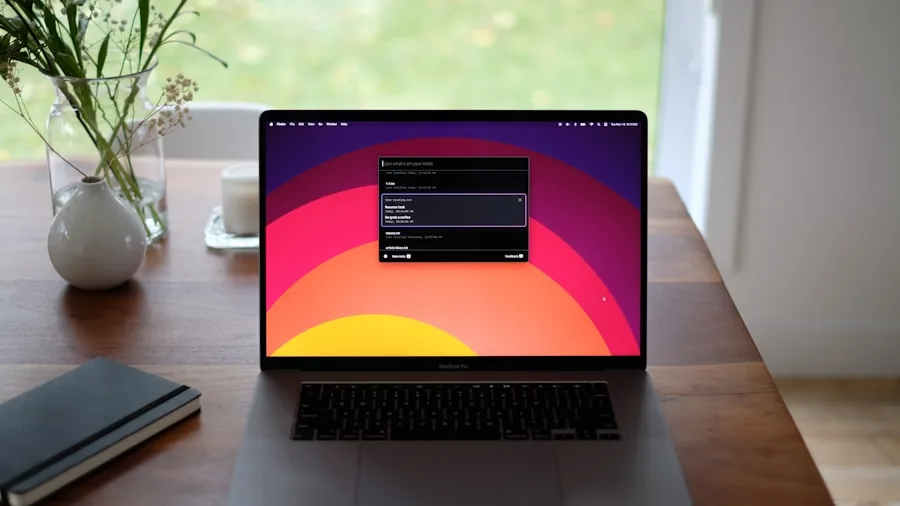
Slidr requires macOS 13 Ventura or later, meaning it works with relatively recent MacBook models. The free three-day trial period gives you enough time to test whether the gesture controls feel natural for your workflow before spending anything. After the trial expires, unlock full access permanently with a single $4.99 payment.
As Apple continues to refine its MacBook lineup with upcoming display upgrades and performance improvements, quality-of-life applications like Slidr help bridge gaps between your hardware and ideal workflow. Small productivity improvements add up over months and years of use.
What This Means for MacBook Shoppers
If you spend significant time using your MacBook for content creation, streaming, or general work, having quicker access to volume and brightness controls reduces friction in your daily routine. The gesture-based approach feels natural once you establish the habit, and the minimal cost makes it an easy experiment.
This app highlights how the Mac ecosystem continues to evolve through third-party developers who identify and solve real user pain points. Whether you’re considering upcoming MacBook models or already using your current device, these kinds of enhancements make your machine more responsive to your actual needs. For less than five dollars, you gain a more streamlined control experience that works exactly how you want it to work.

Write Your Review
No reviews yet. Be the first to share your experience!