


Opera has announced a significant shift in how artificial intelligence will work on your computer. Instead of sending your data to distant cloud servers, the company is introducing WebAI, a new browser feature that runs AI models directly on your laptop. This development could reshape how you interact with websites and extensions while keeping your personal information local.
What WebAI Does and How It Works
WebAI is a proposed web standard that allows websites and browser extensions to access AI capabilities through your browser without requiring a separate subscription or cloud connection. Opera One, the company’s flagship browser, can tap into Google’s Gemma models for this functionality. Mac users gain additional options through Apple’s on-device foundation model. This approach means developers can process text without maintaining their own servers or paying per request to external AI services.
The practical applications are already emerging. Browser extensions powered by WebAI can organize your scattered tabs automatically, identify clickbait articles before they waste your time, and assist with other routine tasks. For developers, this opens up possibilities to build smarter web experiences without infrastructure costs.
Privacy and Control Remain Your Priority
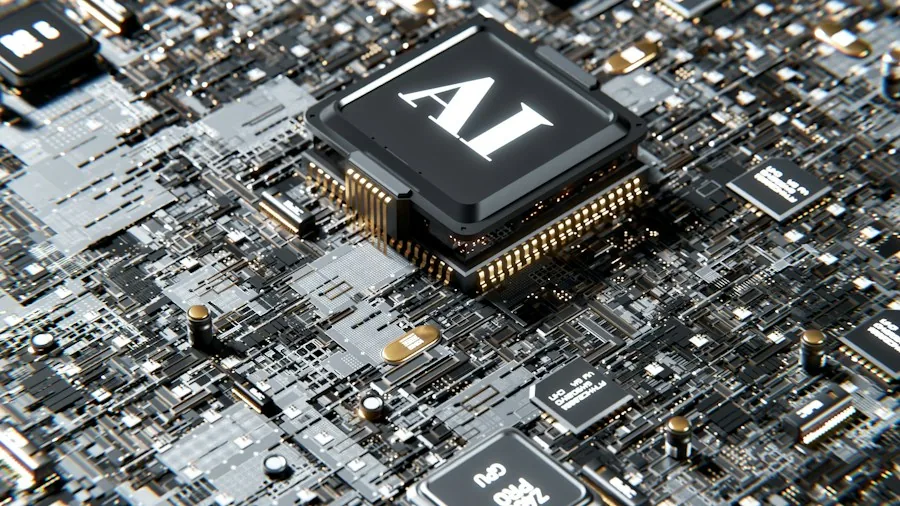
Opera has implemented thoughtful safeguards to protect your privacy. WebAI remains disabled by default, and nothing downloads to your computer until you explicitly enable it. Each website requesting access to your laptop’s local AI models must receive your permission first. This layered approach is especially important now that websites themselves, not just Opera’s own tools, can utilize the models running on your machine.
Your data never leaves your device unless you choose to share it with a specific website. This represents a fundamental departure from cloud-based AI services that store information on remote servers, often for training purposes or general analytics.
Hardware Matters for Performance
Like any computational task, running AI models locally depends on your laptop’s capabilities. Opera hasn’t disclosed specific minimum hardware requirements beyond stating that supported platforms must have adequate resources to spare. Your device’s processor, RAM, and storage will determine how quickly AI tasks complete and how smoothly your browser performs while handling them.
Users with older or less powerful laptops may experience slower results, but Opera is bringing WebAI to its other browsers, including Opera GX and Opera Neon, so you’ll have multiple ways to access this technology. Whether you’re working on the best laptops for coding or a general-purpose machine, you’ll eventually have the option to enable this feature.
A Larger Movement Toward Local AI Processing
Opera isn’t alone in this direction. The broader industry is recognizing the benefits of processing AI locally. Other platforms are developing similar capabilities, recognizing that keeping sensitive information on your device offers both privacy advantages and reduces dependency on cloud infrastructure.
This trend particularly benefits professionals who work with sensitive information. Designers and creators working on graphics can now envision tools that enhance their work while maintaining complete control over their files and creative decisions.
What This Means for Your Shopping Decisions

As you evaluate laptops for purchase, WebAI adoption suggests that local processing power will become increasingly valuable. While cloud-based services remain popular, having a laptop with solid processor performance ensures you can take advantage of emerging technologies like WebAI without feeling left behind.
The shift toward local AI processing also means fewer ongoing subscription costs for AI features. Instead of paying for multiple AI services, you may find that capabilities built into your browser and websites become sufficient for everyday tasks.
Video editors working on high-powered machines particularly stand to benefit from AI features that run locally, as they could streamline workflows without sending project files to external servers.
Looking Forward
Opera is also experimenting with HTML-in-Canvas, a separate feature allowing developers to place functional web pages inside virtual 2D and 3D environments. While this is less immediately practical than WebAI, it demonstrates Opera’s commitment to reimagining how browsers function.
The WebAI preview is currently available as an opt-in feature, meaning you maintain complete control over whether to participate. As this technology develops and more websites support it, you’ll likely see noticeable improvements in how your browser handles AI-powered tasks while respecting your privacy and your laptop’s resources.




Write Your Review
No reviews yet. Be the first to share your experience!