


What Dolby Atmos for Headphones Does and Why Gamers Are Asking Questions
A new software feature is making waves among PC and Xbox gamers who want to experience spatial audio without spending hundreds on premium headphones. Dolby Atmos for Headphones is an app-based tool that attempts to simulate three-dimensional surround sound on standard stereo headsets. Available through the Dolby Access application on Windows and Xbox Series X/S consoles, it uses binaural rendering technology to convert ordinary stereo signals into what feels like full spatial audio. The technology promises a cinematic experience with convincing vertical positioning of sound, but at a cost of $14.99 after a seven-day trial period.
The key appeal is straightforward: most gamers don’t own native Dolby Atmos headphones, and they want to experience spatial audio in games that support it. Instead of purchasing expensive specialty headphones, this software seems to offer an affordable shortcut. However, real-world testing reveals a more complicated story about whether the investment makes sense for the average player.
Installation and Setup Are Simple, but Results Are Mixed
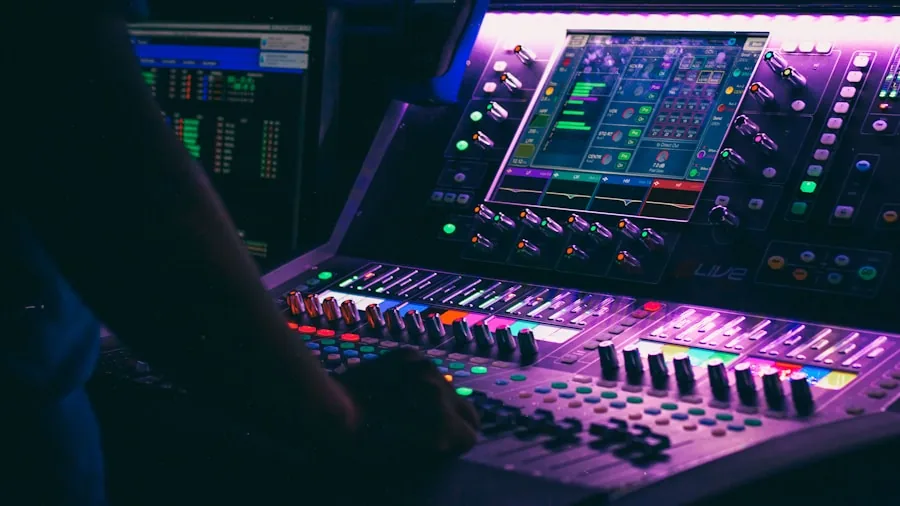
Getting Dolby Atmos for Headphones running on your system is straightforward. Download the Dolby Access app from the Microsoft Store, then navigate to your system settings and enable the feature in the Spatial Sound tab. Once your headphones are recognized, the app automatically activates performance mode. Turning it off requires just a few clicks in the settings menu. The technical barrier to entry is minimal, which explains some of its appeal to casual gamers.
The real problem emerges once you actually use it. Testing across multiple PC titles that support Dolby Atmos revealed only subtle differences between standard stereo audio and the app’s spatial simulation. Games like Returnal and the Dead Space remake showed slightly improved directional clarity, but the improvement was so faint that many players might not notice it at all. Budget headphones from brands like OneOdio demonstrated minor benefits, yet the overall experience fell far short of what genuine spatial audio can deliver.
Native Dolby Atmos Headphones Create a Dramatically Different Experience
The gap between the software simulation and actual Dolby Atmos hardware is enormous. When testing games like Alan Wake 2, Cyberpunk 2077, and Forza Horizon 5 on headphones that natively support Dolby Atmos, the difference was night and day compared to using the app on standard stereo cans. True spatial audio headphones, such as the AirPods Max and Sonos Ace, delivered authentic surround sound with convincing verticality. The app-based simulation simply cannot compete with hardware that was built from the ground up to handle three-dimensional audio.
Interestingly, enabling Dolby Atmos for Headphones on native Dolby Atmos headphones produces no noticeable change. The app recognizes that the headphones already support the feature and does not apply any additional processing. This confirms that the software is designed only as a workaround for stereo headphones, not as an enhancement for premium models.
Is the $14.99 Investment Worth It for Your Situation
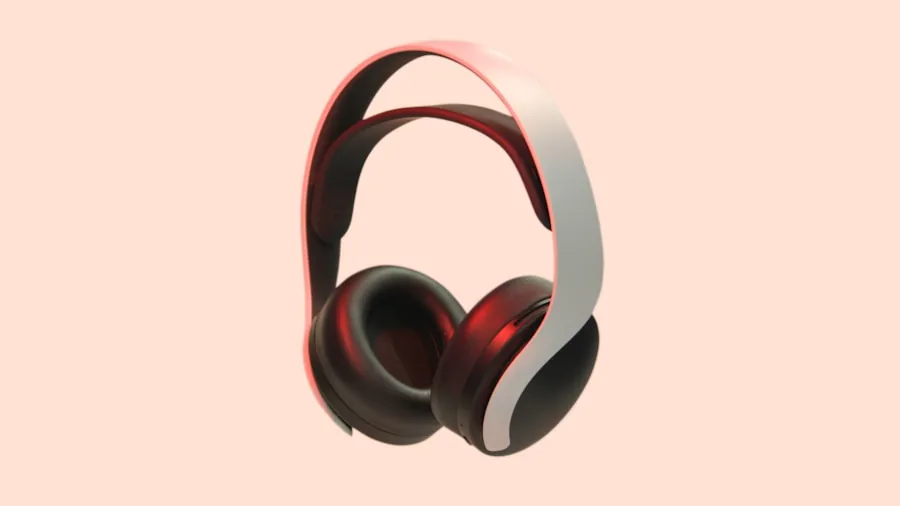
For most gamers, the answer is probably no. The improvement in audio quality is so marginal that it fails to justify the annual subscription cost. A solid gaming headphones option in the mid-range price bracket will deliver far better overall sound quality than using a cheap pair of cans with Dolby Atmos simulation enabled. If you already own decent headphones of any type, the app’s benefits will feel underwhelming.
However, the free seven-day trial is worth taking advantage of if you’re genuinely curious. Play your favorite spatial audio-compatible games and judge for yourself whether the subtle shift in soundstaging is worth keeping. Many players will download the trial, test it for a few days, and decide the effect is too minor to justify ongoing payment.
The Better Path to True Spatial Audio Gaming
If you genuinely want a three-dimensional audio experience while gaming, invest in a pair of headphones that natively support Dolby Atmos rather than relying on software simulation. These headphones cost more upfront, but they deliver authentically convincing surround sound across all compatible games. The difference is immediately obvious, and the experience justifies the investment in ways the app simply cannot match.
The Dolby Atmos for Headphones app serves a specific purpose for players curious about spatial audio at minimal risk. Use the trial period to explore what’s possible, but don’t expect transformative results. For true gamers seeking immersive audio, purchasing headphones with native support is the smarter choice.






Write Your Review
No reviews yet. Be the first to share your experience!