

The Privacy Wake-Up Call
Smart TVs have become the subject of ongoing privacy debates. From accusations that certain models function as surveillance tools to recent controversies around voice features and data collection, consumers are increasingly concerned about what their televisions do when connected to the internet. Recent incidents involving major manufacturers have reignited discussions about whether keeping your TV online is worth the potential privacy trade-off.
For many shoppers, these concerns are prompting a radical step: disconnecting their TVs from the internet entirely. This approach eliminates uncertainty about data transmission and online behavior while still allowing you to watch your favorite content.
Do You Actually Need Your TV Online?
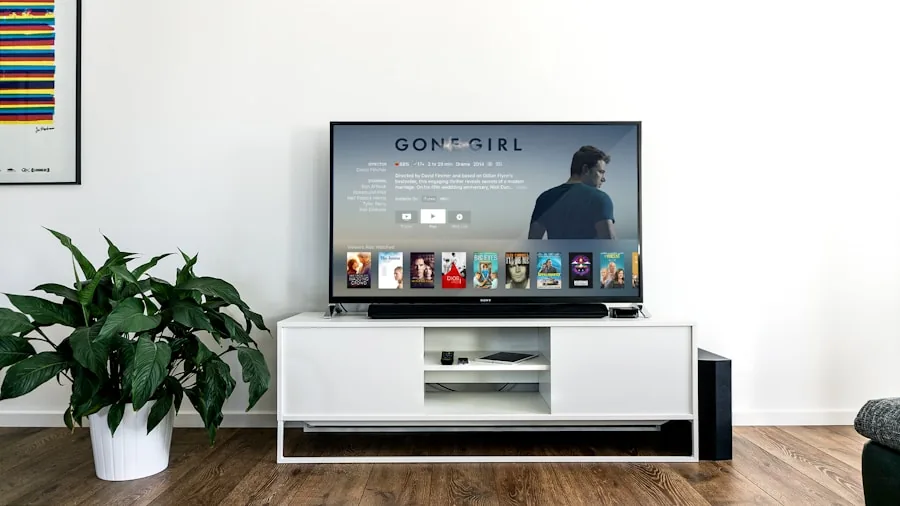
The short answer is: probably not. Most people who watch streaming content use external devices like Fire TV Sticks or similar streaming boxes rather than the built-in smart hub. If you fall into this category, your television doesn’t require an internet connection to function for entertainment purposes.
The primary reason manufacturers suggest keeping TVs online is to deliver firmware updates. However, many modern smart TVs can remain offline indefinitely if updates aren’t critical to your experience. Older models typically receive fewer updates over time, with most being minor tweaks that don’t affect day-to-day performance. Meanwhile, some users argue that firmware updates pose risks of their own, potentially resetting preferences or introducing unexpected changes.
Security updates are often cited as essential, but if your TV is completely offline, it cannot be compromised through internet-based attacks. There’s genuine security value in simply unplugging from the network altogether.
How to Safely Disconnect Your TV
Taking your smart TV offline is straightforward. Access your TV’s settings menu and navigate to the network or internet section. You’ll find an option to disable Wi-Fi or disconnect from your home network. If your TV uses an Ethernet cable, simply unplug it. For maximum security, use the option to forget your Wi-Fi network entirely, which removes it from your TV’s memory.
When you disconnect, you’ll lose some features like voice commands integrated with the TV itself and access to the manufacturer’s smart hub. However, if you’re already using a separate streaming device, these features likely aren’t part of your daily routine anyway.
Staying Updated Without Internet Connection
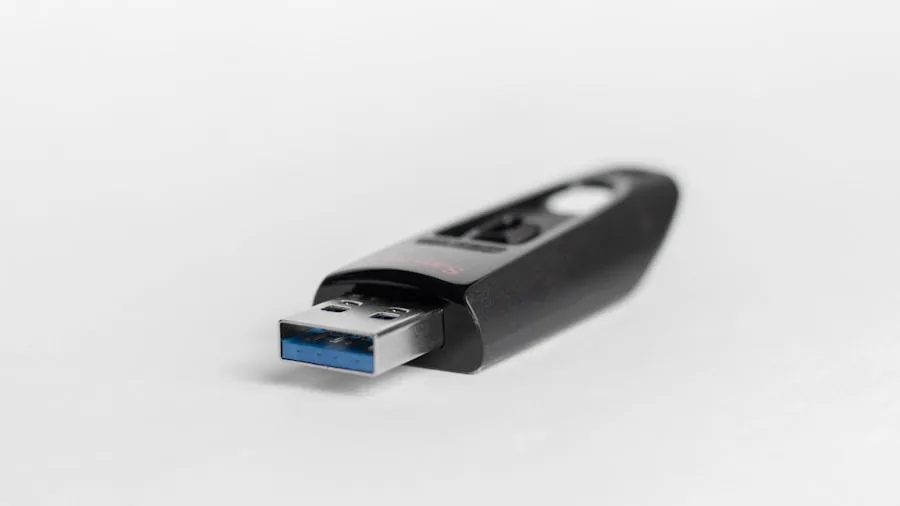
You can still receive firmware updates even with your TV permanently offline by using a USB stick. This manual process requires a bit more effort than automatic updates but eliminates the need for internet connectivity.
Here’s how it works: First, identify your TV’s exact model number, which you’ll find on the back of the unit or in the settings menu. Next, use your computer to visit the manufacturer’s support website and search for your specific model followed by “firmware.” Download the latest firmware file to your computer.
Extract the downloaded files and copy them to the root of a USB drive. Insert the USB stick into your TV’s USB port. The television should recognize the update and begin installation automatically. Different manufacturers have slight variations in this process, so consult your TV’s manual for specific instructions.
One important note: Don’t interrupt the update process once it begins. Keep the TV powered on and the USB drive connected until the installation completes and your television restarts.
Important Considerations
Some manufacturers have made manual updates impossible on newer models. If you choose to keep your TV offline, you’ll need to periodically check the manufacturer’s website for firmware updates rather than having the TV notify you automatically. Many buyers find this small inconvenience acceptable given the privacy benefits.
If your TV doesn’t support USB-based updates, you can still keep it offline most of the time and temporarily connect it only when critical updates become available. This hybrid approach provides most of the privacy benefits while ensuring you receive important security patches.
Making Your Decision
Whether to disconnect your TV depends on your priorities. If you’re comfortable managing occasional manual updates and don’t rely on internet-dependent features, disconnecting offers genuine privacy peace of mind. For those who prioritize convenience over privacy concerns, keeping your TV online may be the right choice.
The key insight is that you have options. You’re not forced to accept the privacy trade-offs of connected televisions. By taking control of your TV’s internet access, you reclaim authority over your own data and viewing environment.






Write Your Review
No reviews yet. Be the first to share your experience!