


Sports programming is a major reason millions of Americans invest in quality television sets. Whether you are watching cricket tournaments, football games, or other live events, your TV choice can make or break the viewing experience. The right display transforms ordinary broadcasts into immersive entertainment, while the wrong one leaves you squinting at small details or struggling with lag during crucial moments.
1. Prioritize Screen Size for Better Game Visibility
Sports require you to see action from every angle of the field or court. A larger screen means you can sit at a comfortable distance and still catch important details without straining your eyes. For most living rooms, a 55 inch TV is a reasonable baseline, though 65 inches or larger is ideal if your space permits. The bigger the display, the more immersive your experience becomes when watching competitive events unfold in real time.
2. Look for High Refresh Rates to Reduce Motion Blur
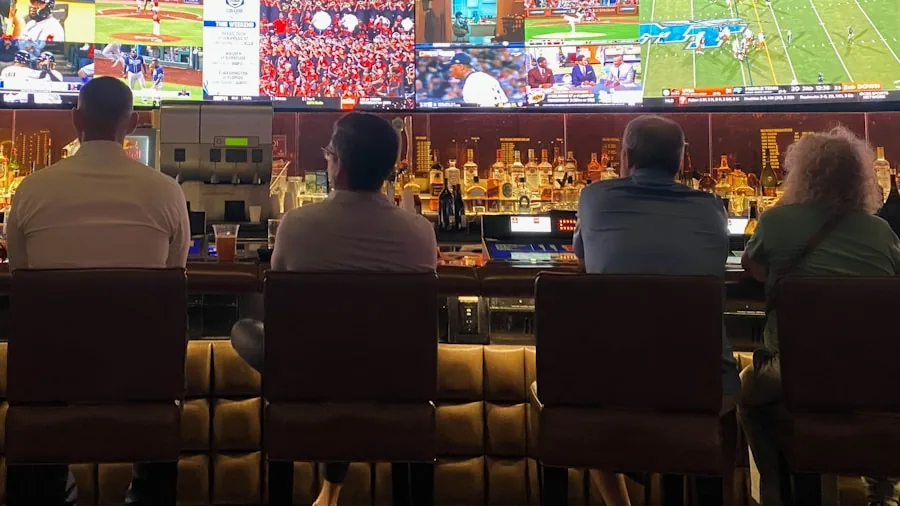
Sports involve constant motion, and a TV that cannot keep up will show blurring during fast plays. Search for sets with refresh rates of 120Hz or higher to ensure smooth motion rendering. This specification is particularly important when watching quick transitions, pans across fields, or rapid player movements. A higher refresh rate means your TV updates the image more frequently per second, eliminating the ghosting effect that ruins sports watching.
3. Choose HDR Support for Enhanced Contrast
High Dynamic Range technology delivers superior contrast between bright and dark areas of the screen. During sports broadcasts, this means clearer visibility of players against stadium lights, better definition of shadows on grass or courts, and more vibrant team colors. When evaluating options, consider models with strong HDR performance like OLED TVs for movie lovers and gamers, which provide exceptional contrast and color accuracy for any programming.
4. Ensure Low Input Lag for Responsive Viewing
Input lag is the delay between a signal being sent and the image appearing on screen. For sports fans, lower input lag means less delay between live action and what you see, which matters if you are following plays closely or reacting to referee decisions. Most modern TVs perform well in this area, but gaming-focused displays often excel at minimizing this delay. Check specifications before purchasing, as this often gets overlooked by casual buyers.
5. Consider Smart TV Features and Streaming Apps
Modern sports broadcasts happen across many platforms and streaming services. A TV with a robust smart interface and popular apps pre installed makes finding games easier. Ensure your choice includes apps for major sports networks and streaming platforms you plan to use. Explore the best TVs for every budget and room size to find models that balance features with your spending limits. Built in smart features also mean fewer external devices cluttering your entertainment setup.
6. Evaluate Panel Technology for Your Viewing Environment

The type of panel affects how your TV performs in bright or dim rooms. If your viewing space receives significant natural light, a brighter LED LCD TV may be more suitable. For darkened rooms or cinematic viewing, OLED displays provide superior black levels and contrast. Consider your room’s typical lighting conditions and choose a panel type that matches your environment. Gaming TVs we recommend for console and PC gamers often highlight display technologies worth exploring even for sports purposes.
7. Check Sound Quality or Plan for External Audio
Broadcasting commentary, crowd noise, and game sound effects contribute to the overall experience. While most modern TVs have acceptable audio, built in speakers rarely deliver the immersion serious sports fans want. If the TV lacks impressive audio performance, budget for a soundbar or home theater system. Quality sound amplifies excitement during big moments and makes you feel closer to the action, whether watching from your home or a commercial venue.
By focusing on these seven factors, you will select a TV that elevates your sports viewing experience. Screen size, refresh rate, HDR, input lag, smart features, panel technology, and audio quality work together to create the setup you deserve. Take time to evaluate your specific needs and room constraints, then choose a display that matches your lifestyle and budget. Your favorite sporting events will never look the same once you upgrade to a TV built for the job.






Write Your Review
No reviews yet. Be the first to share your experience!