

Understanding PS5 Audio Limitations
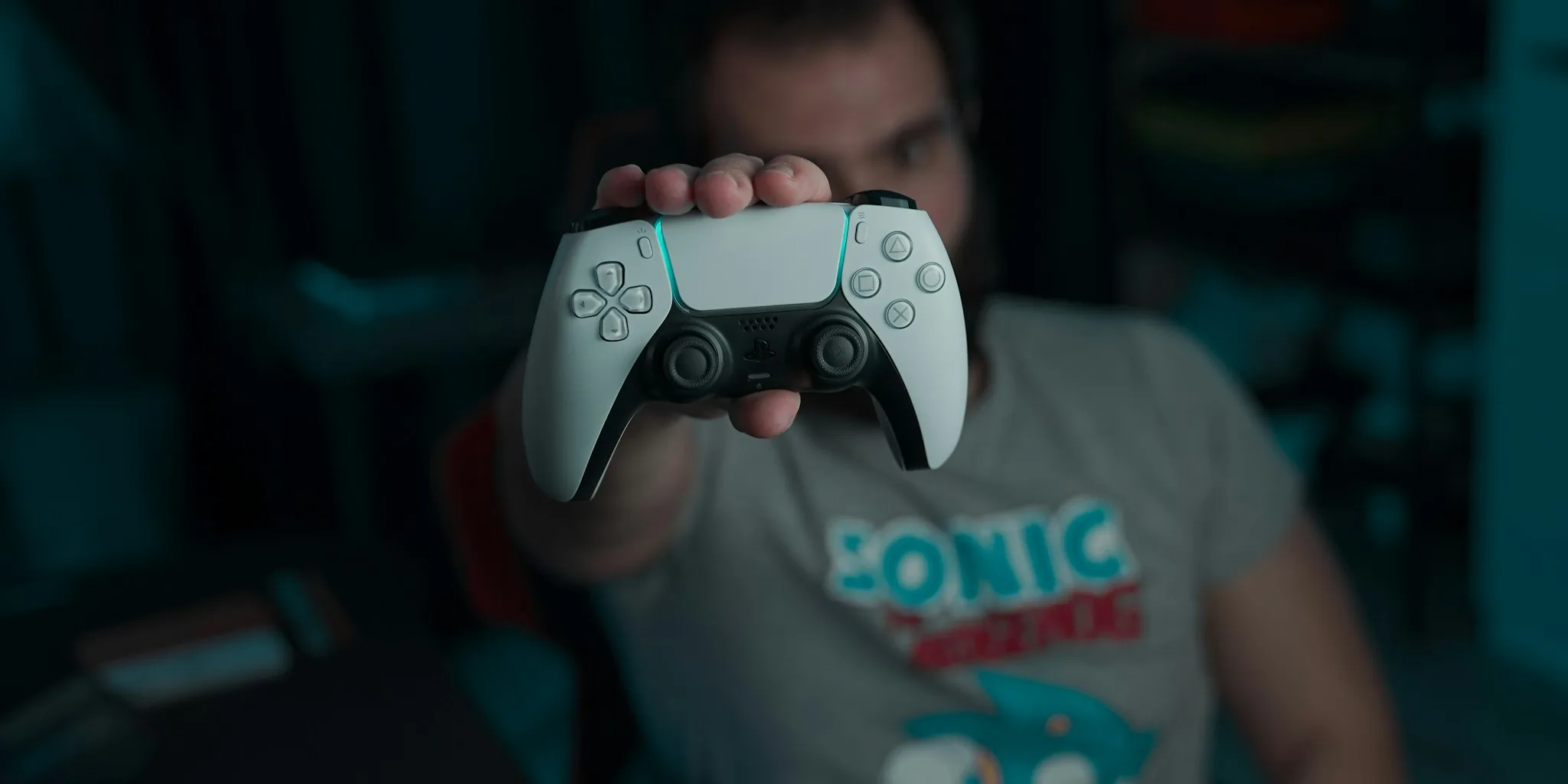
The PlayStation 5 is a powerhouse for gaming, delivering stunning 4K graphics and next-generation performance. However, one notable gap in its capabilities is the lack of native Bluetooth audio support. While your PS5 connects seamlessly to Bluetooth controllers and accessories, wireless audio via Bluetooth remains unsupported. This limitation exists for a specific reason: Bluetooth technology was never engineered to deliver the low-latency audio that modern gaming demands. In fast-paced games, even a slight delay between on-screen action and sound can break immersion and compromise your competitive performance. Additionally, Bluetooth connections are prone to occasional dropouts and inconsistent microphone quality, which Sony determined made it unsuitable for console-level gaming.
Tip 1: Invest in a Dedicated Gaming Headset
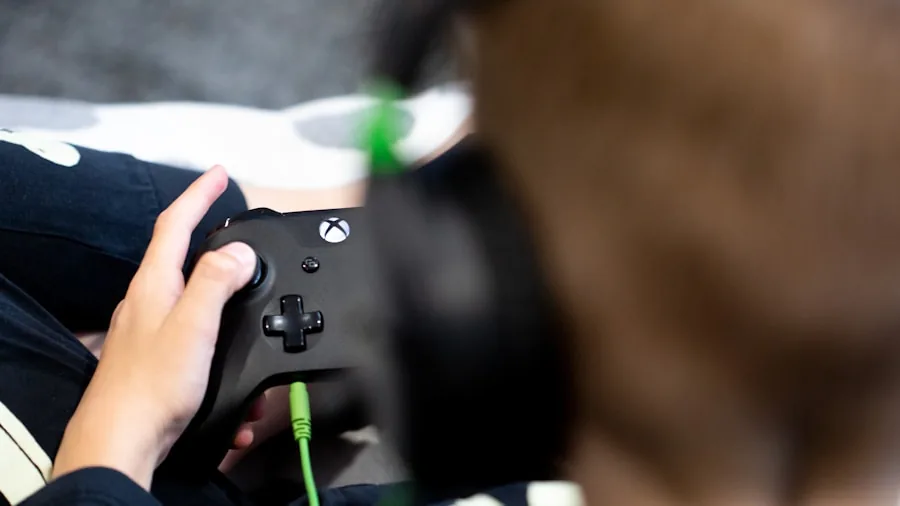
Your best option for premium PS5 audio is to purchase a dedicated gaming headset designed specifically for console use. Gaming headsets offer several advantages over standard headphones: they feature wired or proprietary wireless connections with minimal latency, reliable microphone performance for multiplayer communication, and optimized frequency responses for in-game audio. Look for headphones designed for gaming that support PS5’s Tempest 3D AudioTech, a spatial audio technology that creates immersive, three-dimensional soundscapes. This feature transforms compatible games into incredibly immersive experiences where sound direction and depth play crucial roles in gameplay.
Tip 2: Use a USB-C Bluetooth Adapter as a Workaround
If you absolutely prefer to use your existing Bluetooth headphones with your PS5, a USB-C Bluetooth adapter provides a viable workaround. These small devices plug directly into your console’s USB-C port and act as a bridge between your Bluetooth headphones and the PS5. The setup process is straightforward: insert the adapter into a USB-C port on your PS5 or PS5 Pro, activate pairing mode on the adapter, then put your headphones into pairing mode. Most adapters are plug-and-play, though you may need to verify your audio output settings in the PS5’s Settings menu. Navigate to Sound and Audio Output, then confirm the adapter is selected as your output device.
Tip 3: Expect Latency Trade-offs
When using a Bluetooth adapter with your PS5, understand that you’re accepting some latency compromise. Bluetooth connections inherently introduce slight delays compared to wired or proprietary wireless connections. For casual gaming or single-player experiences, this may not matter much. However, if you play competitive multiplayer shooters or rhythm-based games, that audio delay becomes noticeable and problematic. Your in-game reaction times may suffer because your ears receive audio cues slightly after the on-screen action occurs. This is why professional gamers and serious console players universally prefer dedicated gaming headsets over Bluetooth solutions.
Tip 4: Check for Tempest 3D AudioTech Support
When shopping for PS5 headphones, prioritize models that specifically support Tempest 3D AudioTech. This proprietary Sony technology elevates spatial audio to create remarkably realistic soundscapes. Games like Returnal showcase this technology beautifully, with rain sounds seeming to come from specific directions and distances around you. This immersive audio dimension adds significant gameplay depth and environmental awareness. Premium wireless headsets with Tempest support deliver the full PS5 audio experience Sony engineered.
Tip 5: Evaluate Connectivity Options
Gaming headsets connect to your PS5 through several methods. Wired USB connections offer the most stable, zero-latency experience. Proprietary wireless dongles, typically USB or USB-C, provide excellent range and reliability with minimal latency. Standard Bluetooth adapters work but introduce greater latency. For your primary gaming setup, wired or proprietary wireless options are superior. Reserve Bluetooth adapters for situations where convenience outweighs performance, such as when multiple household members use the same PS5.
Tip 6: Consider Microphone Quality
If you play online multiplayer games requiring voice communication, microphone performance matters significantly. Dedicated gaming headsets feature quality microphones with noise-cancellation capabilities, ensuring your teammates hear you clearly without background noise. Bluetooth connections sometimes struggle with microphone stability and clarity. Quality over-ear headphone models designed for gaming include superior mic technology specifically optimized for console gaming.
Tip 7: Budget for the Right Solution
Quality gaming headsets range from budget-friendly options under one hundred dollars to premium models exceeding two hundred dollars. Determine what’s appropriate for your gaming habits and budget. A basic gaming headset delivers reliable performance for casual players, while serious gamers justify investment in premium models with superior audio processing and build quality. Meanwhile, a Bluetooth adapter costs just twenty to thirty dollars if you want to experiment before committing to a dedicated headset purchase.
Making Your Final Decision
The PS5 deserves audio equipment that matches its performance capabilities. While Bluetooth adaptation is technically possible, it represents a compromise in latency and reliability. For the best gaming experience, invest in a proper gaming headset with native PS5 compatibility and Tempest 3D AudioTech support. Your ears and your competitive performance will thank you.




Write Your Review
No reviews yet. Be the first to share your experience!