

Apple Rolls Out Sound Glow to HomePod Speakers
Apple has introduced a fresh visual feature for its HomePod lineup that transforms the top of the speaker into an interactive light display. Called Sound Glow, this capability syncs dynamic colors and animations directly to the music, podcasts, and ambient sounds you’re playing. The feature arrived as part of HomePod Software 27.2 and is available on multiple HomePod models, expanding the appeal of these speakers for music enthusiasts who want more than just audio quality.
How Sound Glow Works
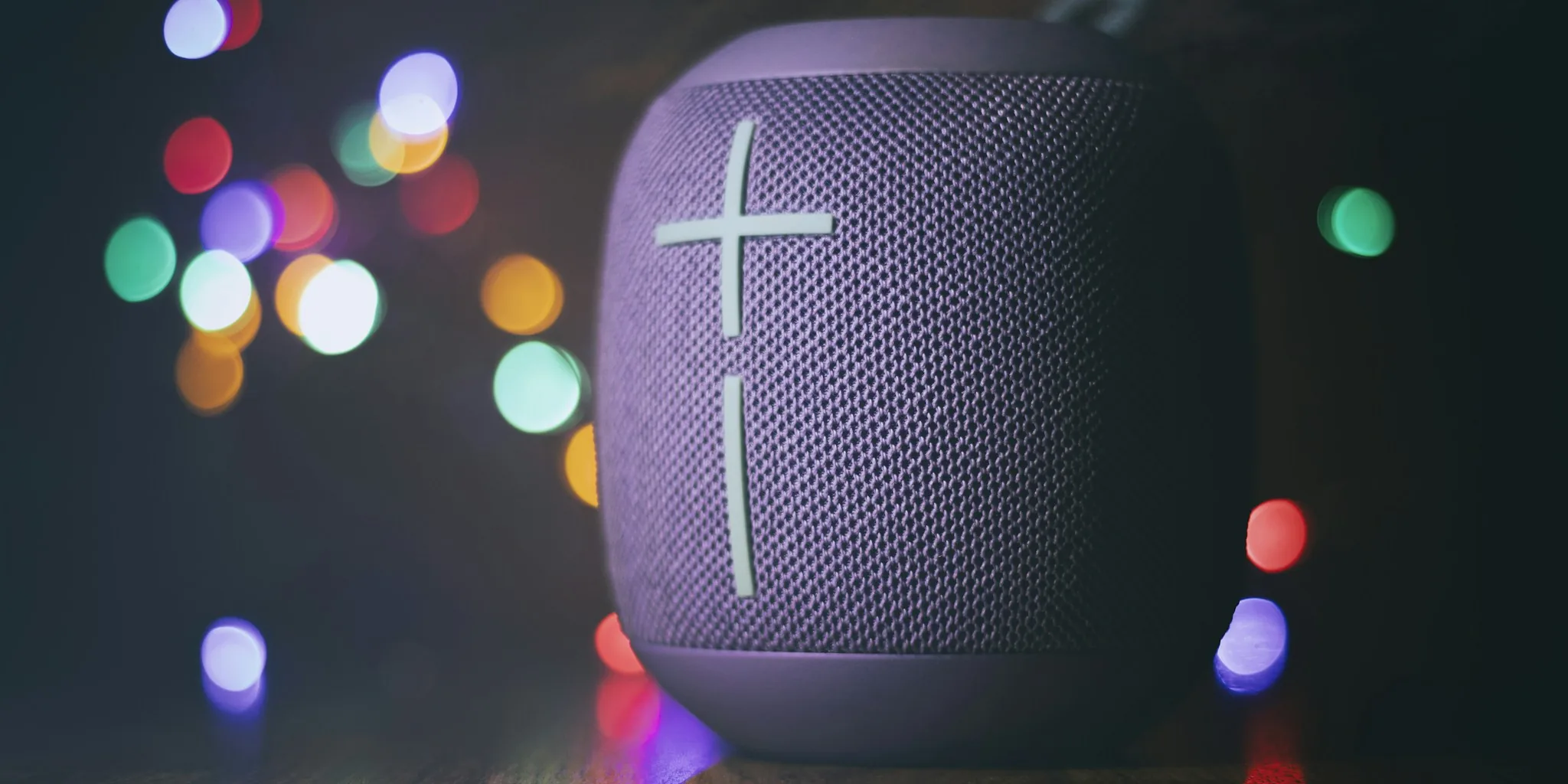
Sound Glow harnesses the LED array built into the top of HomePods to create a visual experience that responds in real time to what you’re listening to. When you start playing a song, the speaker automatically extracts colors from the album artwork and pulses them in rhythm with the music’s beat. This isn’t a simple static glow, either: the lights react specifically to the bass and treble frequencies of each track, meaning two songs from the same album will produce completely different light patterns.
The feature works across all audio content you might play, including music, podcasts, and Apple’s collection of ambient soundscapes. For example, the Rain soundscape creates a gentle pitter-patter light effect that complements the audio. If you play a song without artwork or video, the speaker falls back to its standard white light display. Everything happens automatically, so there’s nothing you need to do beyond enabling the feature once.
Which HomePods Support Sound Glow
Not every HomePod owner can access Sound Glow, though the feature has broader compatibility than you might expect. It’s available on the HomePod mini 2, the original HomePod mini, and the HomePod 2 (the larger model). Notably, the original HomePod released in 2018 is excluded from this feature, even though that model can receive the latest software updates.
Sound Glow also requires you to have a compatible Apple device in your setup. You’ll need either an iPhone 15 Pro or newer, an M1 Mac or newer, one of the latest iPad models, or an Apple TV running tvOS 27. This requirement exists because those devices enable the intelligence features that power the light synchronization.
What Shoppers Should Know About Limitations
Before you get excited about turning your speaker into a light show, understand a few practical constraints. The LED lights on HomePods aren’t designed to brighten a room in normal lighting conditions: you’ll really only see the full effect in a dark or dimly lit space. If you’re using your speaker in a bright living room or kitchen, the visual impact will be minimal.
Additionally, the feature requires that all your devices stay current with software. Your HomePods need HomePod Software 27.2 or later, and your iPhone or iPad needs iOS 18.2 or later. While HomePods typically update automatically, you should verify this in the Home app before expecting Sound Glow to work. If you’re buying a brand-new HomePod mini 2, it may arrive with an older version installed.
How to Enable Sound Glow on Your Speaker
Setting up Sound Glow is straightforward once your devices are updated. Open the Home app from your iPhone, iPad, or Mac, then select your HomePod from the main screen. Tap Settings and scroll down to find the Sound Glow toggle, then switch it on. Keep in mind that you’ll need to repeat this process for each HomePod in your home individually, as the feature must be enabled per device.
Once activated, simply ask Siri to play a song or use AirPlay to send music from your iPhone, and you’ll see the lights respond. If you decide Sound Glow isn’t for you, disabling it involves the same steps: just flip the toggle off. This flexibility means you can experiment with the feature risk-free and decide whether it adds value to your listening experience.
What This Means for HomePod Shoppers
Sound Glow represents Apple’s effort to make smart speakers more engaging and visually interesting beyond their practical function. For music lovers who care about presentation and want their listening setup to feel more immersive, this feature adds appeal. However, buyers should recognize that Sound Glow works best in controlled lighting environments and requires staying on top of software updates across your entire Apple ecosystem. If you’re shopping for a speaker that prioritizes audio quality and smart home integration, Sound Glow is a bonus feature rather than the main draw. For those comparing options, the market offers many excellent speaker choices at various price points, each with different strengths. Sound Glow makes HomePods incrementally more appealing to Apple users, but it’s not a feature that should be your sole deciding factor when choosing a speaker for your home.




Write Your Review
No reviews yet. Be the first to share your experience!