


Samsung’s newest foldable phones bring a practical upgrade that could change how you handle video calls on your computer. The Galaxy Z Fold 8, Fold 8 Ultra, and Flip 8 now support USB webcam functionality, allowing you to use your phone’s superior camera as a replacement for your laptop’s built-in webcam during video conferences and calls.
How the Webcam Feature Works
When you connect any of these three Galaxy devices to your computer via USB, a notification pops up offering you the option to enable webcam mode. Simply tap into your USB settings and select the webcam option from the available choices. Your phone’s camera feed then streams directly to whatever video calling application you have open on your laptop. No additional software, drivers, or complicated setup is required on either device.
This functionality first appeared on Pixel phones back in 2023, and Samsung introduced it to the Galaxy S26 lineup earlier in 2024. Now, for the first time, Samsung’s foldable devices join the roster of phones capable of this convenient feature.
The Foldable Advantage Over Regular Phones
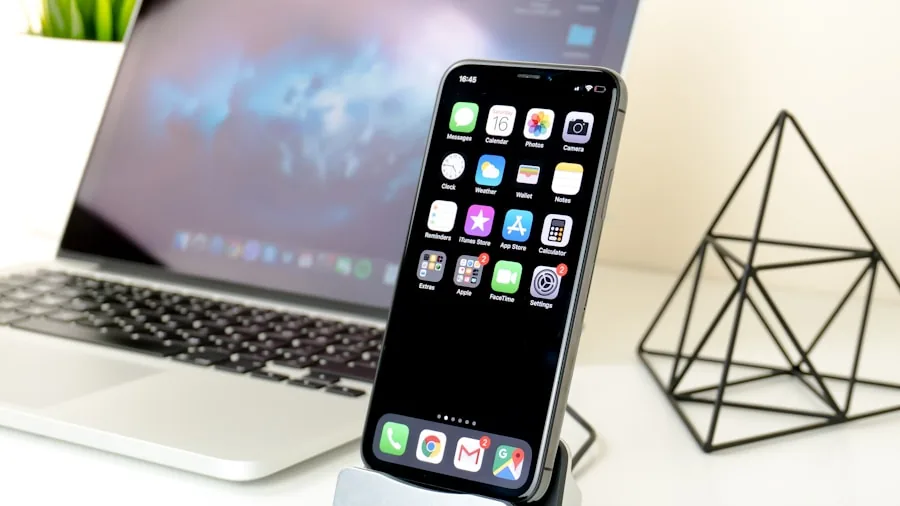
While the Galaxy S26 series supports webcam mode, users have to work around a significant inconvenience: keeping the phone positioned at the right angle requires a separate stand, phone mount, or improvised solution using household items. The new foldables eliminate this hassle entirely.
Because of their unique hinge design, the Galaxy Z Fold 8, Fold 8 Ultra, and Flip 8 can fold halfway and stand upright on their own, with the camera naturally angled toward you. This built-in stand capability means you don’t need any extra accessories or workarounds. Just fold it, position it next to your laptop, and you’re ready to go.
Image Quality Makes a Real Difference
The practical benefit goes beyond convenience. The main camera on all three new Galaxy foldables significantly outperforms the integrated webcams found in most laptops today. If you’ve ever noticed how grainy, dim, or unflattering your laptop’s native webcam makes you look during video calls, switching to your phone’s camera will deliver an immediately noticeable improvement in video quality, clarity, and color accuracy.
For anyone who participates in regular video meetings, online interviews, or content creation, this feature offers a genuine upgrade path. You may already own one of the best laptops for video editing, but that doesn’t mean you’re satisfied with its webcam performance. These foldables give you a simple way to boost your on-camera presence without investing in external hardware.
When Can You Get One

Samsung officially announced these devices during its Galaxy Unpacked 2024 event. The Galaxy Z Fold 8, Fold 8 Ultra, and Flip 8 became available for preorder immediately, with general availability beginning on August 7. Pricing varies depending on which model and storage configuration you select.
What This Means for Shoppers
For consumers considering a new phone, the webcam feature adds another practical reason to explore foldables. If you spend significant time in video calls for work or school, having a high-quality camera option could justify the upgrade. The feature works seamlessly without needing extra apps or accessories, making it accessible to anyone regardless of technical skill level.
Even if you primarily use business laptops for professional work, pairing one with a Galaxy foldable gives you a simple way to present yourself more professionally on camera. The combination of superior image quality and the foldable’s natural stand capability creates a practical setup that rivals dedicated webcams costing hundreds of dollars.
The webcam feature also represents how modern smartphones continue to blur the line between mobile and desktop computing. As foldables mature and offer more ways to integrate with your computer setup, they’re becoming more valuable as complementary devices rather than just standalone phones.
Whether you’re upgrading your tech setup for remote work, online education, or content creation, understanding what these new foldables can do will help you make an informed decision about whether they fit your needs.



Write Your Review
No reviews yet. Be the first to share your experience!