
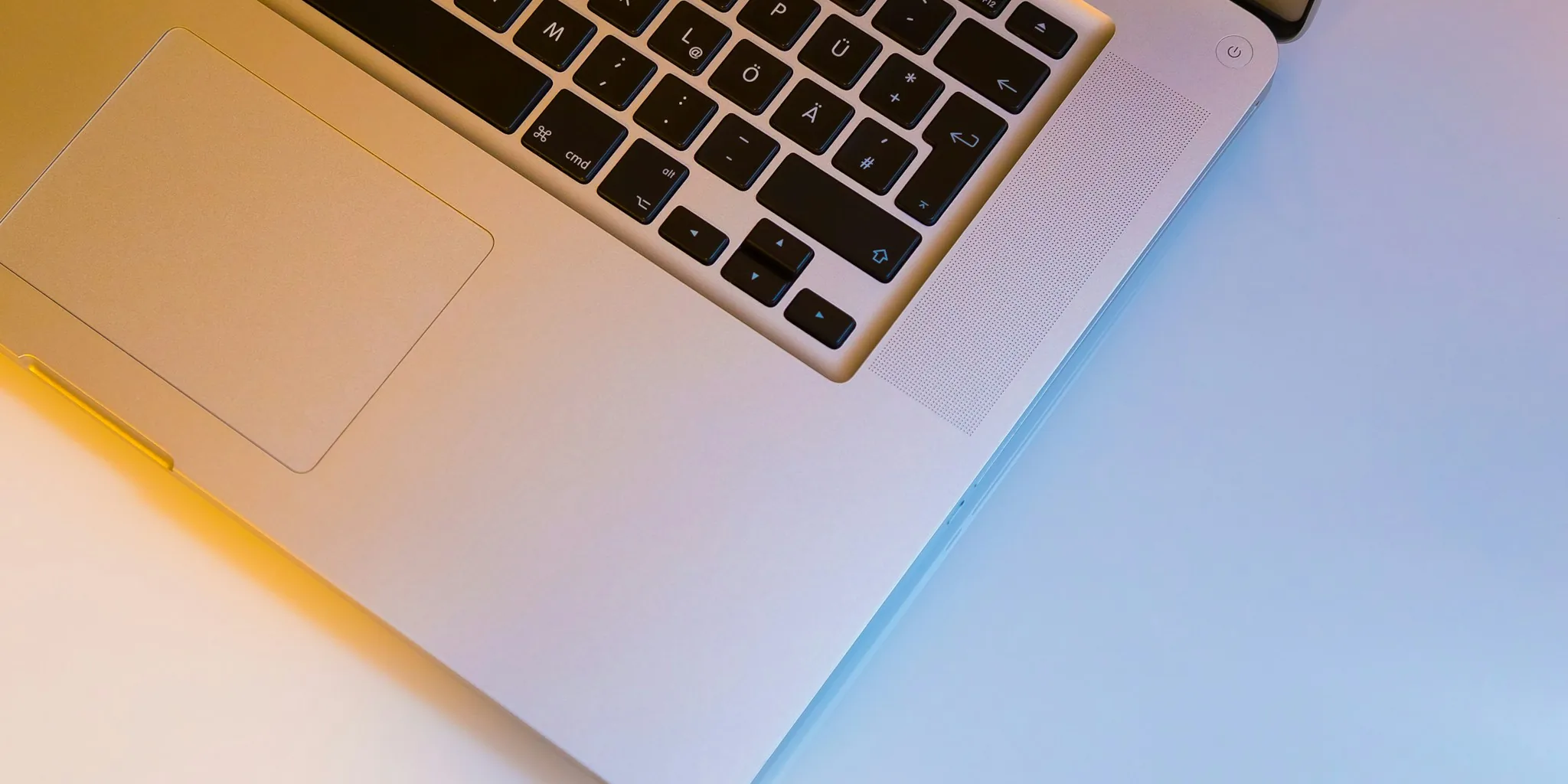

Apple has quietly rolled out refreshed Magic Keyboard models with a noticeable change: text labels on function keys are now replaced with symbols. This update affects the standard Magic Keyboard, the Magic Keyboard with Touch ID, and the Magic Keyboard with Touch ID and Numeric Keypad, available in both white and black finishes. The only model skipped in this refresh is the full-size version without Touch ID, which Apple appears ready to discontinue.
The shift from text to symbols is not entirely new for Apple. Earlier this year, the company made the same visual adjustment to its MacBook Air, MacBook Pro, and MacBook Neo lineup. Keys like Tab, Caps Lock, Shift, Return, and Delete now display glyphs instead of written labels. On full-size keyboards with numeric pads, the change extends further to include Home, Page Up, Page Down, End, Clear, and Enter keys.
This design language change reaches beyond just US consumers. Since the US English keyboard layout is also the default in Canada, Australia, New Zealand, and Singapore, customers in these regions will see the updated symbols on their new purchases. Those using British English or European keyboard layouts will find these glyphs already familiar, as Apple has used this approach in those markets for some time.
What This Means for Your Shopping Decision
If you own a MacBook or are thinking about purchasing one, understanding the keyboard evolution matters. The symbol-based keys create a more minimalist aesthetic that aligns with Apple’s broader design philosophy. However, the practical impact depends on your typing habits and preferences. Users accustomed to hunting for keys by their printed names may need a brief adjustment period, though muscle memory typically takes over quickly.
The real consideration for shoppers evaluating MacBook models and their accessories comes down to functionality versus appearance. Comparing MacBook options to alternatives like the HP OmniBook 3 OLED at competitive price points can help you weigh whether Apple’s current keyboard offering meets your needs.
The Feature Shoppers Actually Want
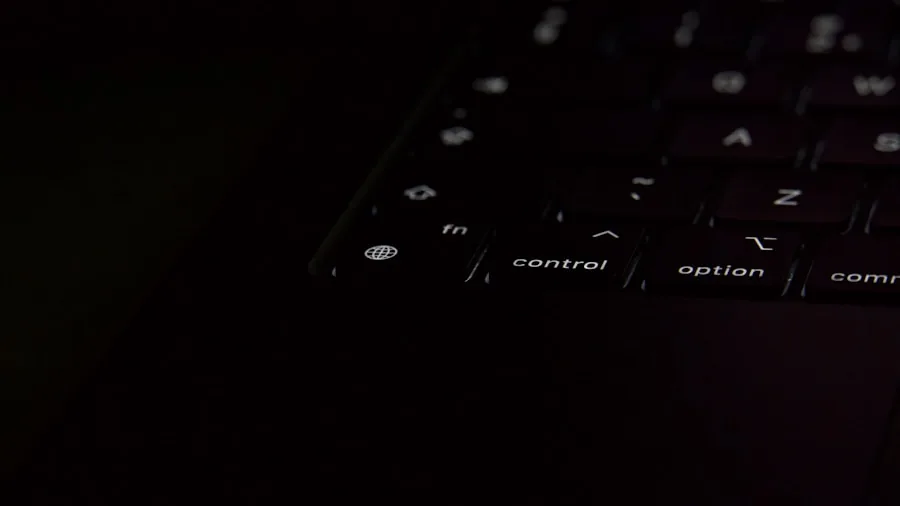
While the symbol refresh is visually interesting, Apple continues to overlook the upgrade customers have requested for years: backlit keys. In 2026, the Magic Keyboard and by extension most MacBook models still lack backlighting. If you type at night or in low-light environments, you’ll find yourself struggling to see which keys you’re pressing. This omission stands out especially when many competing keyboards at similar price points offer illuminated keys as standard.
For professionals who work during evening hours or students who study late, this absence can be genuinely frustrating. The cosmetic upgrade to symbols does nothing to address this legitimate usability gap. Apple has chosen aesthetic refinement over functional enhancement, which may disappoint users prioritizing practical features over visual consistency.
Understanding MacBook model differences and trade-offs before back-to-school purchases becomes especially important when certain features remain absent across the entire lineup.
Should You Buy the Updated Keyboard
If your existing Magic Keyboard works fine, there’s no compelling reason to upgrade solely for the symbol change. The functionality remains identical. The new design primarily appeals to those purchasing a keyboard for the first time or those wanting a refreshed aesthetic to match a newer MacBook.
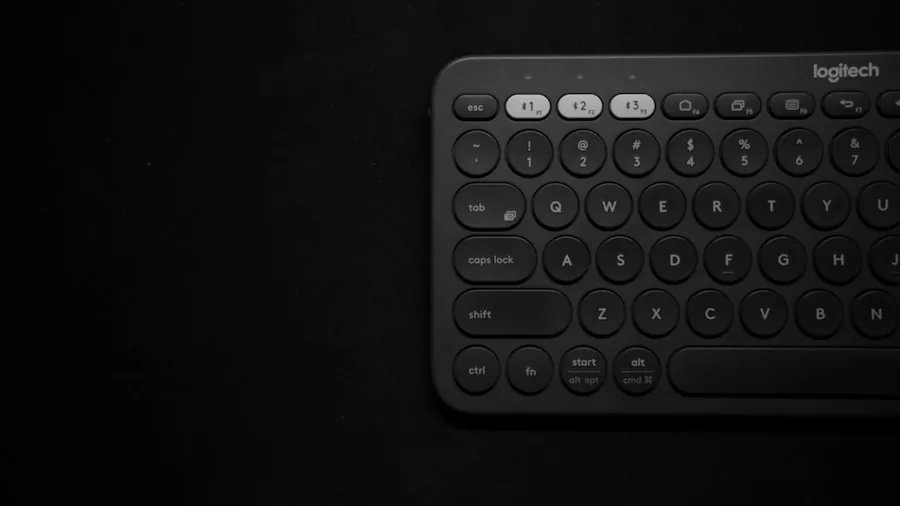
Shoppers in the market for a Magic Keyboard should consider their typical usage environment. If you regularly work in well-lit spaces during daytime hours, the symbol keys are a minor visual enhancement. If you frequently type in dimly lit conditions and the lack of backlighting bothers you, you might want to explore third-party keyboard alternatives that offer illumination.
The broader context matters too. Refurbished MacBook options with older keyboard designs can represent significant savings, though they won’t include the latest symbol-key aesthetic.
Looking Forward
Apple’s keyboard refresh signals the company’s commitment to visual refinement across its product ecosystem. However, it also reveals a disconnect between what the company prioritizes and what users actually request. The symbol keys do look modern and minimal, aligning with contemporary Apple design language. Yet without backlighting, the keyboards remain frustratingly limited for anyone who doesn’t work exclusively in bright environments.
When evaluating your MacBook purchase or accessory selection, factor in your actual working conditions. The visual upgrade is pleasant but not functional. Judge the keyboard based on your typing environment and daily habits rather than the cosmetic change alone. If backlighting matters to your workflow, you may need to look beyond Apple’s current offering or accept this limitation as part of the MacBook ecosystem.



Write Your Review
No reviews yet. Be the first to share your experience!