


Building a compact PC has never been more practical. Modern mini ITX PC cases now support full-length graphics cards, 240mm liquid coolers, and high-wattage power supplies, letting you assemble a genuinely powerful rig in a fraction of the footprint of a traditional tower. Whether you are optimizing desk space, building a LAN-party system, or just enjoy the satisfaction of a tight, well-executed build, the right case makes all the difference.
We tested and compared the top compact case options available today, evaluating each for airflow, GPU clearance, build quality, cable management, and ease of assembly. Our picks below represent the strongest choices across budget, mid-range, and portable categories. If you are also shopping for components to go inside your build, our roundup of GPUs and our guide to air CPU coolers are worth reading alongside this review.

JONSBO Z20 Micro-ATX Mini Tower PC Case
Pros
- Excellent build quality with thick steel panels and thoughtful cable routing channels
- Great GPU compatibility at 363mm clearance despite the compact footprint
- Removable PCI-E bracket simplifies longer GPU installation
- USB 3.2 Gen 2 Type-C and Gen 1 Type-A ports provide modern connectivity
- Two-year manufacturer warranty provides peace of mind
Cons
- Limited to Micro-ATX motherboards, so full-size ATX builds won't fit
- CPU cooler clearance maxes out at 164mm (Intel) or 163mm (AMD), ruling out some larger air coolers
- Only one 3.5" HDD bay limits traditional storage expansion compared to larger cases
The JONSBO Z20 represents a thoughtfully engineered approach to small-form-factor PC building. At just 20 liters, this case manages to accommodate Micro-ATX motherboards while maintaining excellent component compatibility. The construction quality stands out immediately, with 2mm integrated steel panels and a large mesh area that balances thermal performance with structural integrity. The removable carrying handle is a practical touch that sets this case apart from competitors, making it genuinely portable for users who transport their systems to LANs or between locations.
Cooling and component support are where the Z20 truly excels. The case supports 240mm AIO coolers on top, accommodates CPU air coolers up to 164mm (Intel) or 163mm (AMD), and offers impressive 363mm GPU clearance despite its compact dimensions. The flexible storage configuration allows builders to choose between traditional hard drive setups or go all-SSD. The comprehensive four-sided magnetic dust filtration system keeps components clean without restricting airflow, and the bottom-mounted PSU design with SFX side-mounting options provides flexibility for different power supply types.
The front I/O panel includes modern connectivity with USB 3.2 Gen 2 Type-C and Gen 1 Type-A ports, plus audio and microphone jacks. The removable PCI-E bracket simplifies installation of longer graphics cards, and the cable routing channels help maintain clean builds. While the case is limited to Micro-ATX motherboards and has constraints on CPU cooler height, these trade-offs are reasonable given the compact form factor. The two-year manufacturer warranty backs the quality construction, making this a solid choice for builders prioritizing portability without sacrificing performance potential.
| Specification | Details |
|---|---|
| Brand | JONSBO |
| Model | Z20 |
| Case Type | Mini-Tower |
| Volume | Approximately 20 liters |
| Dimensions (D x W x H) | 11.6" x 14.56" x 11.6" |
| Motherboard Support | Micro-ATX |
| Expansion Slots | 4 total |
| Cooling Support | 240mm AIO (top), 120mm/140mm fans (top/bottom) |
| CPU Cooler Clearance | 164mm max (Intel), 163mm max (AMD) |
| GPU Clearance | Up to 363mm (depends on other hardware) |
| Storage Bays | 4 internal bays total |
| Storage Configuration | 2x 2.5" SSD + 1x 3.5" HDD OR 3x 2.5" SSD |
| PSU Mounting | Bottom mount, supports ATX/SFX/SFX-L, SFX side mounting available |
| Front I/O | USB 3.2 Gen 1 Type-A x1, USB 3.2 Gen 2 Type-C x1, Audio, Microphone |
| Side Panel | Tempered glass |
| Material | 2mm steel panels |
| Dust Filtration | 4-side magnetic dust screens |
| Special Features | Removable carrying handle, removable GPU bezel, removable PCI-E bracket |
| Warranty | 2 years manufacturer |
| Color | Black |
Water Cooling Setup
The Z20 supports 240mm AIO coolers mounted on the top panel with up to 60mm thickness. This configuration works well for modern high-performance CPUs without taking up additional case space. Ensure your AIO radiator thickness won't conflict with your motherboard's VRM heatsinks before purchase.
Air Cooling Limits
CPU air cooler clearance is limited to 164mm for Intel systems and 163mm for AMD systems. Popular coolers like the Noctua NH-U12S and be quiet! Pure Rock fit comfortably, but larger tower coolers won't work. Verify your specific cooler's height before committing.
GPU Compatibility
With up to 363mm GPU clearance, most modern graphics cards fit well, including cards like the RTX 4070 and RX 7700 XT. However, clearance depends on your PSU length and other hardware. Check the manufacturer's compatibility chart before ordering.
Fan Configuration Options
The case supports 120mm or 140mm fans on both top and bottom panels. A typical quiet setup uses two 140mm intake fans on bottom and two 120mm exhaust fans on top, with the AIO as additional top exhaust if desired.
Building in the Z20
The removable PCI-E bracket simplifies longer GPU installation, a thoughtful design touch that reduces frustration during assembly. Cable routing channels help organize power and data cables neatly, and the compact layout encourages efficient cable management from the start. Most builders complete their first build in this case within 2-3 hours.
Carrying Handle Practicality
The detachable carrying handle transforms this case into a genuinely portable system. It's rated for safe transport of a fully built PC, making it ideal for LAN parties, friend visits, or moving between rooms. Simply remove it when the system is stationary on your desk for a cleaner aesthetic.
Removable Components
The GPU bezel is removable for easier installation and removal of graphics cards. The magnetic dust filters on all four sides can be quickly accessed and cleaned without tools, maintaining optimal airflow. The modular design philosophy extends throughout the case, prioritizing user convenience.

Pros
- Exceptional value for money with quality construction and smart design features
- Flexible component compatibility handles modern GPUs, large air coolers, and liquid cooling solutions
- Modular I/O panel provides genuine flexibility for different build configurations and cable routing
- Open thermal design with perforated panels promotes reliable airflow and temperature management
- Magnetic dust filters are easy to clean and maintain without tools
Cons
- Limited to micro-ATX and mini-ITX motherboards, so full-size ATX builds won't fit
- Pre-installed with only one 120mm fan; additional cooling fans require separate purchase for optimal performance
- Compact interior space may require careful planning for cable management with multiple storage drives
The Cooler Master MasterBox Q300L strikes an impressive balance between affordability and functionality for PC builders working within space or budget constraints. The case's perforated design on all sides promotes excellent airflow, while the modular I/O panel offers genuine flexibility for different motherboard orientations and cable management strategies. This thoughtful engineering ensures that even in a compact form factor, you're not sacrificing thermal performance or build quality.
Component compatibility is where this case truly shines. It accommodates graphics cards up to 360mm, CPU coolers reaching 159mm in height, and supports 240mm liquid cooling solutions, making it suitable for modern mid-range gaming builds. The transparent side panel lets you showcase your components, while the magnetic dust filters add both functionality and visual distinction. Bottom-mounted PSU design keeps power cables organized and out of sight, contributing to a cleaner internal layout.
For budget-conscious builders and those transitioning to smaller form factors, the Q300L delivers excellent value without compromising on essential features. The case supports expansion with multiple fan mounting options and provides ample interior space despite its compact footprint. While you'll want to invest in additional fans for optimal cooling performance, the solid foundation here makes the Q300L a smart choice for cost-effective, reliable PC building.
| Brand | Cooler Master |
| Model | Q300L |
| Case Type | Mini-Tower |
| Motherboard Compatibility | Micro-ATX, Mini-ITX |
| Color | Black |
| Material | Alloy Steel, Plastic |
| Dimensions | Compact form factor |
| Weight | 480 grams |
| Power Supply Mount | Bottom Mount |
| Max CPU Cooler Height | 159mm |
| Max GPU Length | 360mm |
| Max PSU Length | 160mm |
| Liquid Cooling Support | 240mm radiator compatible |
| Cooling Method | Air cooling (liquid ready) |
| Pre-Installed Fans | 1 x 120mm |
| Recommended Use | Gaming, Content Creation |
| Special Features | Modular I/O panel, magnetic dust filters, perforated airflow design, transparent side panel |
Is This Case Right for You?
The Q300L works best if you're building a micro-ATX or mini-ITX system and want compact size without sacrificing cooling performance or modern component support. It's ideal for gamers and content creators who value cable management flexibility and don't need full-size ATX motherboard support.
Component Planning Tips
Before purchasing, verify your GPU length doesn't exceed 360mm and your CPU cooler height stays under 159mm. If you plan to use a traditional air cooler, measure carefully. For liquid cooling enthusiasts, the case handles 240mm radiators well, though radiator placement should be confirmed based on your specific cooler model.
Cooling Optimization
The single pre-installed 120mm fan provides baseline cooling, but for gaming builds, consider adding 1-2 additional fans to maximize the perforated design's airflow benefits. Front intake and rear exhaust configurations work well with this case's open thermal design.
Cable Management
The modular I/O panel gives you flexibility in positioning, which helps with cable routing. Plan your drive configuration in advance, as internal space is optimized rather than spacious. The bottom PSU mount naturally separates power cables from component areas.
Motherboard Support
This case exclusively supports Micro-ATX and Mini-ITX motherboards. If you need full ATX support, you'll need a larger case. Both form factors fit comfortably with room for expansion.
GPU Compatibility
Most modern graphics cards fit within the 360mm length limit. High-end cards like RTX 4070 and RTX 4070 Ti fit comfortably. Always verify your specific card's length before purchasing.
CPU Cooler Compatibility
Air coolers up to 159mm tall work well. Popular models like the Noctua NH-U12S, Be Quiet Dark Rock 4, and most AIO liquid coolers fit without issues. Verify clearance if you're using a very tall tower cooler.
Power Supply Compatibility
PSUs up to 160mm in length mount at the bottom. Most modern 650W-850W units fit this spec. Verify your PSU dimensions, as some larger models may not fit.
Storage Drives
Plan your drive configuration in advance. The compact design accommodates 2.5-inch and 3.5-inch drives, but internal space requires thoughtful placement to maintain airflow.
How to Choose the Right Mini ITX PC Case
Size and Form Factor Compatibility

The most important first step is confirming that a case actually supports your motherboard. True mini ITX cases are built around the 170mm x 170mm ITX standard, but many compact cases also accept Micro-ATX boards, which gives you more expansion slot options. Check the spec sheet carefully, because the listed footprint of a case can be misleading if it requires an SFX power supply or a specific cooler height.
GPU length is consistently the tightest constraint in small form factor builds. Cases in this category typically support cards ranging from around 170mm up to 330mm or more, but that clearance can shrink depending on how your radiator, drive cages, or PSU is positioned. Measure your specific card and cross-reference against the case’s official clearance figure before purchasing. If you are still deciding on a graphics card, our coverage of graphics cards for gaming covers the latest options by size and performance tier.
Some cases offer modular interior panels that let you reconfigure space depending on whether you prioritize GPU length or CPU cooler height. This flexibility is particularly valuable if you plan to reuse the case across multiple builds over time.
Airflow and Cooling Performance

Compact enclosures concentrate heat in a smaller volume, so airflow design is more consequential here than in full-size towers. Perforated mesh panels on the front and top promote higher static pressure and better heat removal, especially when paired with a positive pressure fan configuration that pushes more air in than out.
Fan mount positions vary widely. Some cases allow front-mounted 120mm or 140mm intake fans, while others route airflow through the bottom or side. Top-mounted radiator support is common at the 240mm size, with select cases accommodating 280mm units. Confirm that your chosen radiator thickness does not conflict with tall RAM or VRM heatsinks on your motherboard.
Dust filtration matters more in compact cases because restricted airflow means debris accumulates faster. Magnetic or slide-out filters on intake vents significantly reduce how often you need to clean internal components. If your system will run intensive workloads, pairing a well-ventilated case with a capable gaming motherboard with quality VRM cooling helps manage sustained thermals.
GPU and Expansion Support
Graphics card compatibility goes beyond just length. You also need to account for card width (dual-slot versus triple-slot) and whether the case requires a PCIe riser cable for vertical mounting. Vertical GPU mounting can improve airflow in certain layouts by directing exhaust heat away from other components, but it adds cost and complexity.
PCIe 4.0 riser cable support is increasingly standard in newer cases and matters for bandwidth-sensitive workloads with modern GPUs. Older PCIe 3.0 risers may introduce a marginal performance penalty with the latest cards. If you are building a dedicated gaming system, our picks for gaming GPUs break down which cards are worth pairing with a compact build.
Storage expansion is another consideration. Many mini ITX cases accommodate two or more M.2 drives via the motherboard itself, reducing the need for dedicated drive bays. If you require multiple 2.5-inch SSDs or a 3.5-inch hard drive, verify that the case includes the necessary mounting hardware.
Build Quality and Materials
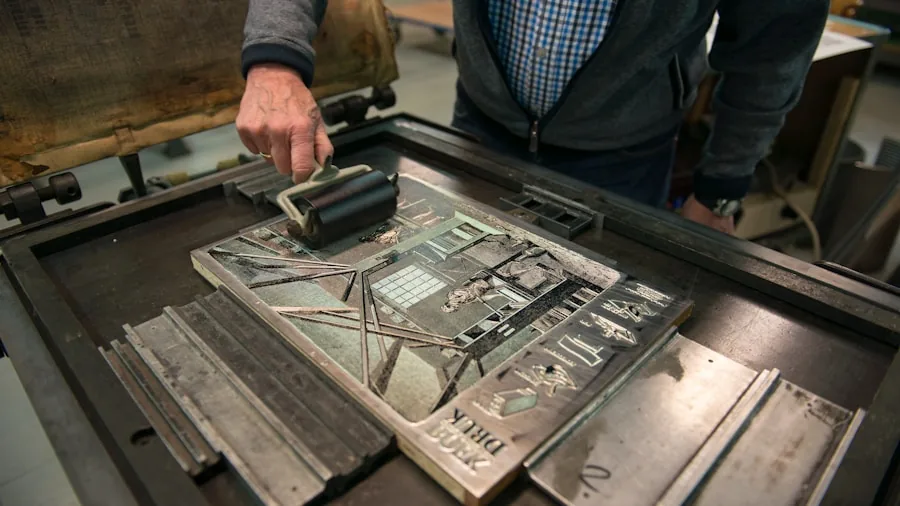
Cases in this segment are built from steel, aluminum, or a combination of both. Steel panels are heavier but cost less to manufacture, and they provide good rigidity at budget price points. Aluminum construction reduces weight noticeably and gives a premium feel, but it adds to the price and can dent more easily under impact.
Panel removal design directly affects how pleasant the build process is. Tool-free side panels with thumb screws or magnetic latches save time during assembly and make cable management adjustments much less frustrating. In a compact case where every millimeter counts, easy panel access is a genuine quality-of-life feature rather than a luxury.
Finish quality varies between brands. Powder-coated steel resists fingerprints and minor scratches better than raw or painted alternatives. If portability matters, look for cases with reinforced corners or integrated handles, which add meaningful protection during transport to LAN events or a friend’s setup.
Port Selection and Connectivity
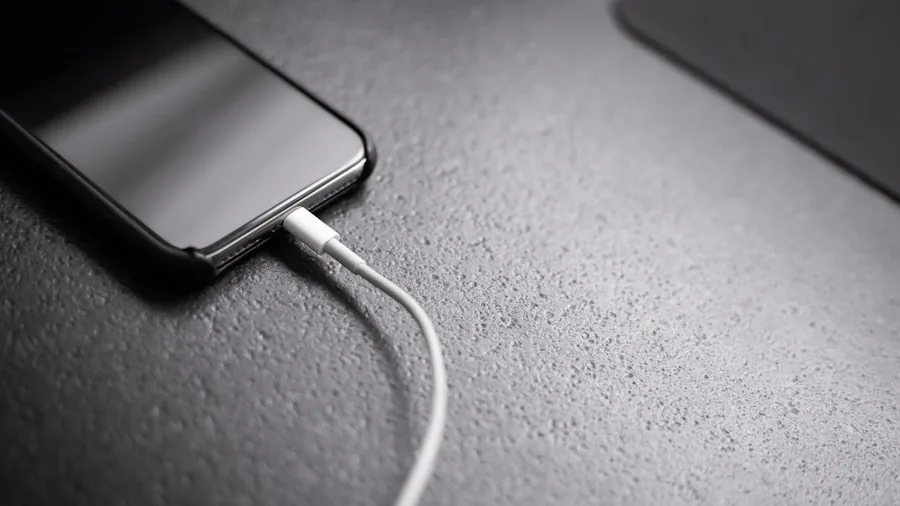
Front I/O panels on compact cases range from minimal to fully featured. At a minimum, look for two USB-A ports and a combined 3.5mm audio jack. USB-C on the front panel is increasingly common and useful for charging phones and connecting modern peripherals without reaching around to the rear panel.
Some cases include a USB 3.2 Gen 2 Type-C header, which requires a compatible motherboard header to function. Verify header availability on your chosen board before relying on this feature. A mechanical keyboard or other high-speed peripheral benefits from USB 3.x connectivity rather than older USB 2.0 front ports still found on some budget models.
Routing quality for cables from the I/O panel also affects final build aesthetics. Cases with dedicated cable channels or rubber grommets behind the motherboard tray make it easier to keep the interior tidy, which in turn helps with airflow.
Value and Long-Term Usability

A compact case is often a longer-term investment than other components because it can outlast two or three generations of hardware inside it. Prioritizing a case with broad cooler height clearance, a flexible PSU form factor (ATX versus SFX), and at least one radiator mount position gives you the most options during future upgrades.
Budget options can deliver surprisingly good results if your build goals are modest. Entry-level steel cases with decent airflow and standard connectivity cover most use cases without requiring a premium outlay. Higher-end aluminum or modular cases justify their cost primarily for enthusiasts who frequently swap hardware, value aesthetics, or need to transport the system regularly.
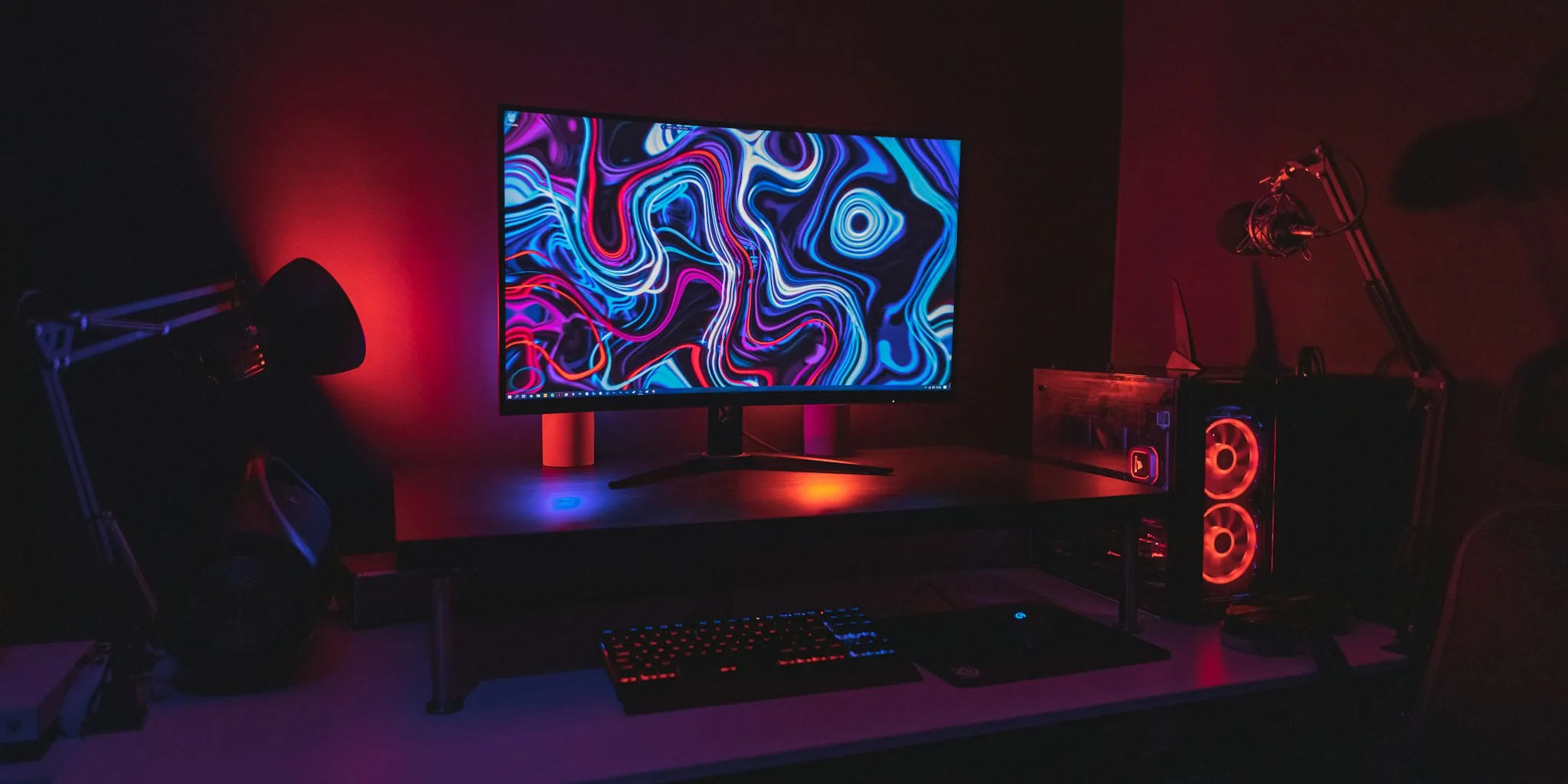
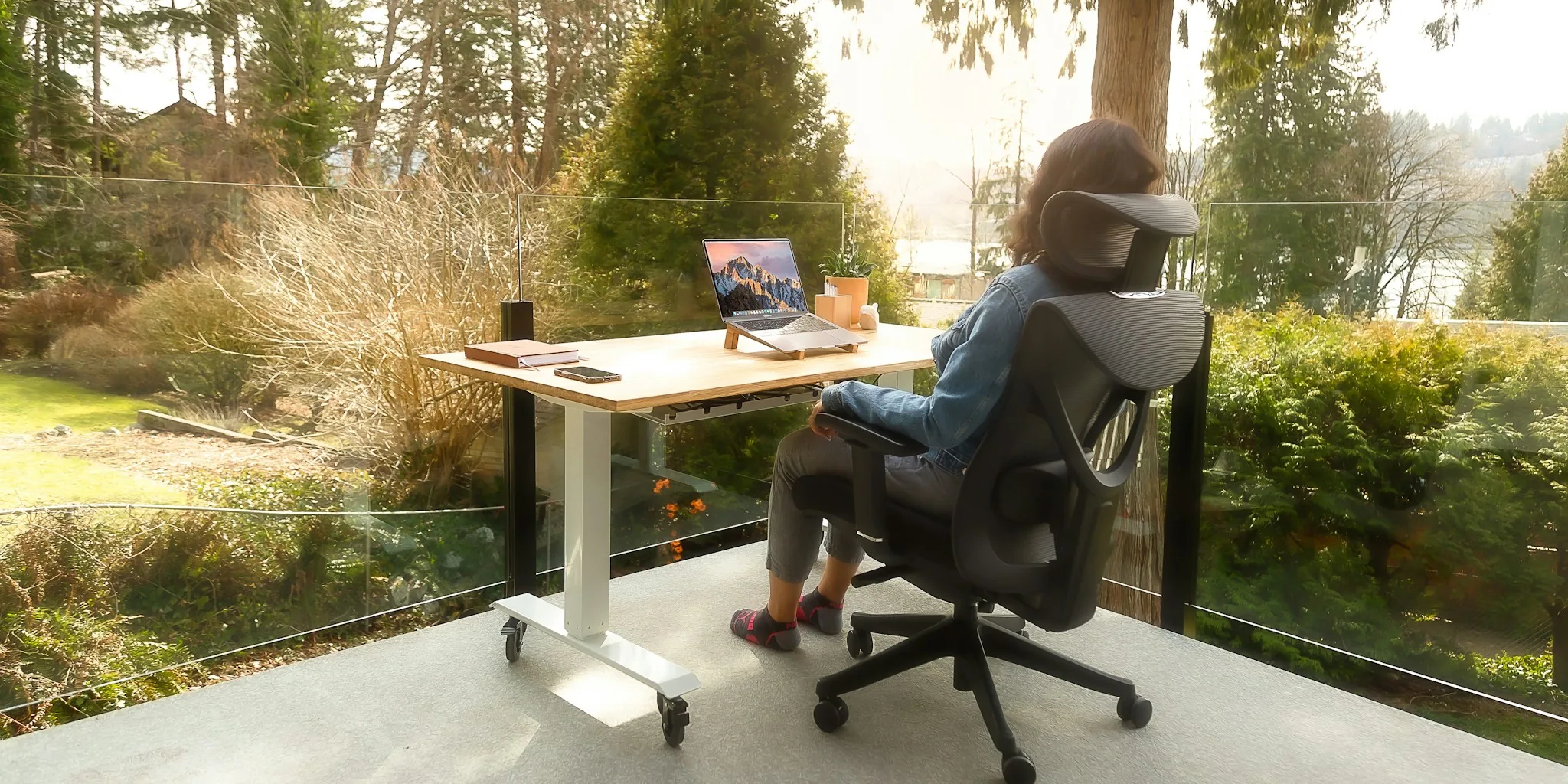
Think about the full ecosystem of your setup too. A compact PC pairs naturally with a space-saving computer desk and a compact monitor, and investing a little more in each area creates a cohesive, efficient workspace. If you are weighing a mini ITX build against buying a ready-made system, our overview of mini computers offers a useful comparison.
Why You Should Trust Us
Buyadvanced is an independent review platform. We do not sell products, and we do not accept payments or incentives from brands in exchange for favorable coverage. Our editorial team evaluates cases through hands-on assembly testing, thermal measurement under sustained loads, and direct comparison across similarly priced competitors.
For mini ITX PC cases specifically, we assess GPU and cooler fitment using real hardware, measure airflow performance with and without fans at various RPM settings, and evaluate panel removal and cable management ease across multiple assembly attempts. We also factor in long-term durability based on material quality and finish consistency, drawing on feedback from builders across the United States who have used these cases in real workstation and gaming environments.
Our ratings reflect brands including Cooler Master, Fractal Design, TGDGAMER, and JONSBO, all of which appear in this review based on their actual performance rather than marketing claims. If you want to see how our methodology applies to related hardware, our reviews of PC cases across all form factors and our picks for power supply units follow the same standards.
Final Thoughts
After thorough testing and comparison, here is how our four picks rank against each other for specific use cases.
- Best Overall: Cooler Master MasterBox Q300L delivers an outstanding balance of airflow performance, GPU compatibility, and ease of assembly. Its perforated front panel, magnetic dust filters, and modular I/O panel make it one of the most practical compact cases available, and its rating across thousands of verified buyers backs that up.
- Best Premium Pick: Fractal Design Ridge is the choice for builders who refuse to compromise. The included PCIe 4.0 riser card, two 140mm PWM fans, and USB-C front I/O put it in a class above budget alternatives. If you are pairing this with a high-end gaming monitor, this case is built to match that level of investment.
- Best for Portability: JONSBO Z20 stands out with its integrated carrying handle and compact Micro-ATX mini tower format. Support for 240mm AIO cooling and up to 160mm CPU cooler height means portability does not mean sacrificing thermal headroom. Ideal for LAN-party enthusiasts or anyone who moves their system regularly.
- Best Budget Pick: TGDGAMER Matx Case gets the fundamentals right at an entry-level price point. High-airflow construction, USB 3.0 front I/O, and support for both Micro-ATX and Mini-ITX motherboards make it a sensible starting point for first-time compact builders or secondary system builds.
Whichever case you choose, match it carefully to your specific GPU length, cooler height, and PSU form factor. If you are still finalizing other components, our guides to prebuilt gaming PCs and mini gaming PCs may help you decide whether a custom build or a prebuilt system better suits your needs and timeline.
Frequently Asked Questions About Mini ITX PC Cases
What size GPU fits in most mini ITX PC cases?
Most compact cases in this category support graphics cards up to around 300mm to 330mm in length, though the exact figure varies by model and internal layout. Always check the manufacturer’s listed GPU clearance and account for any radiator or drive cage that might reduce usable space. If you are still deciding which GPU to install, our comparison of gaming GPUs highlights which cards offer the best performance-per-size ratio.
Do these cases come with fans included?
It depends on the model. The Cooler Master MasterBox Q300L includes one 120mm fan, while the Fractal Design Ridge ships with two 140mm PWM fans. Budget options like the TGDGAMER Matx Case include smaller 80mm fans. Premium cases often include higher-quality fans that you may not need to replace, while entry-level cases may benefit from an aftermarket upgrade over time.
Can mini ITX PC cases support liquid cooling?
Yes, several options in this category support 240mm AIO radiators, and some accommodate 280mm units depending on mounting position. The JONSBO Z20, for example, officially supports 240mm AIO cooling despite its compact footprint. Always confirm radiator thickness compatibility with your specific cooler and verify that the radiator mount does not conflict with tall memory modules.
Is mini ITX harder to build in than Micro-ATX or ATX?
Generally yes, because component clearances are tighter and cable management space is more limited. Planning your build order carefully (GPU last, power supply routing before motherboard installation) makes the process significantly smoother. First-time builders may want to start with a slightly larger case before moving to a true ITX format. For anyone weighing this decision, our roundup of PC cases covers mid-tower options that offer more forgiving interior layouts.
Are aluminum mini ITX cases worth the extra cost?
Aluminum construction reduces weight and adds a premium aesthetic, which matters if portability or desk appearance is a priority. Steel cases provide comparable durability at a lower price and are the better choice for stationary builds on a tighter budget. For LAN-party systems or setups that travel frequently, the weight savings of aluminum become more meaningful.
What power supply form factor do compact cases require?
This varies significantly by case. Some compact cases require SFX or SFX-L power supplies, which are smaller than standard ATX units and typically cost more. Others, like the Cooler Master MasterBox Q300L, accept full-size ATX PSUs, which gives you a wider selection of units at competitive prices. Our guide to power supply units covers both ATX and SFX form factors with recommendations at each wattage tier.
How does Buyadvanced handle product support?
Buyadvanced is an independent review site and does not sell products, process orders, or provide warranty or repair support. For any product issues, contact the original manufacturer directly. Our role is to help you make an informed purchasing decision before you buy.
How important is dust filtration in a compact case?
Very important, particularly in homes with pets, carpeted floors, or high ambient dust levels. A compact case moves a smaller volume of air, which means dust accumulates on heatsinks and fans relatively quickly without filtration. Removable magnetic filters make regular cleaning straightforward and help maintain consistent thermal performance over months of use.
Should I pair a compact case build with a specific monitor size?
There is no strict rule, but a compact build often pairs naturally with a space-efficient display. Our picks for 1440p monitors and gaming monitors include options that complement a small-footprint desktop without overwhelming the desk surface.



Write Your Review
No reviews yet. Be the first to share your experience!