


ThinkPad X1 Carbon Gen 14 Aura Edition Makes Major Repairability Push

Lenovo has just released its latest flagship business ultraportable, and it brings a meaningful shift in how the company thinks about laptop longevity. The ThinkPad X1 Carbon Gen 14 Aura Edition maintains the line’s reputation for portability and performance while introducing a new internal design that prioritizes sustainability and user access to components.
The standout feature of this new model is its redesigned “Space Frame” chassis. Lenovo rebuilt the entire internal layout around a smaller, double-sided system board that shrinks the internal footprint by roughly 20 percent. This isn’t just a cosmetic change. The new design means the solid-state drive, battery, keyboard, and USB-C ports are now user-replaceable. Unlike previous ThinkPad generations, you won’t need to visit a repair shop just to swap out a single component.
Portability Remains Exceptional
At 2.15 pounds, the X1 Carbon Gen 14 Aura Edition remains one of the lightest 14-inch business laptops available. This weight makes it genuinely practical for constant travel and daily commutes. Lenovo managed to achieve this featherweight profile while also incorporating a larger cooling fan, which handles the demands of the new Intel Panther Lake processor inside.
The keyboard continues to set the standard for business laptops. Keys offer cushioned feedback without feeling mushy, and the backlight is bright enough to use in dim environments. The trackpad clicks with satisfying resistance, and the TrackPoint pointing nub remains available for those who prefer it.
Display Quality Stands Out
The optional 2.8K OLED display is one of the brightest, sharpest screens available at this price point. It delivers excellent contrast, vibrant colors, and includes a 120Hz refresh rate that makes scrolling noticeably smoother. Even basic web navigation benefits from this fluid display performance. The base 1920 by 1200 IPS panel is still a solid choice if you want to save money and extend battery life, but the OLED option is genuinely impressive.
Performance for Daily Work
The Intel Panther Lake processor handles everyday productivity without breaking a sweat. Email, spreadsheets, document editing, and multiple browser tabs are handled effortlessly. In multi-core performance tests, this laptop actually outperforms some pricier competitors.
The catch is graphics performance. Lenovo equipped this model with Intel’s baseline integrated graphics rather than the more powerful Arc options available in some competing Panther Lake laptops. For general business use, this limitation barely matters. However, if your workflow involves video editing or graphics-intensive work, you’ll hit the performance ceiling quickly. This laptop isn’t designed for professional design tasks, and it’s not suitable for gaming.
Battery Life and Audio
The OLED model achieved approximately 13 hours of battery life during testing, which is respectable but trails behind some competing ultraportables. The base IPS display should deliver better endurance. The built-in speakers surprised reviewers with their quality, offering clear sound and Dolby Atmos support that actually enhances audio without feeling gimmicky.
Price is the Primary Concern
The base configuration starts around $2,139, and pricing climbs quickly when you add the OLED display, additional RAM, or extra storage. A fully configured model easily exceeds $3,200. Individual upgrades seem reasonable in isolation, but they compound when you’re customizing the laptop to your needs.
Lenovo frequently runs sales and promotions, so patience can reward you with several hundred dollars in savings. If budget is a hard constraint, the Dell XPS 14 offers similar capabilities at a lower entry price.
Sustainability Matters Here
The repairability improvements address a real problem in the laptop market. When components fail, users typically have two choices: expensive professional repair or buying a replacement device. The X1 Carbon Gen 14 Aura Edition changes this equation. If your SSD fails, battery degrades, or keyboard stops working, you can address these issues yourself without voiding warranty or paying premium repair fees. This design philosophy extends the useful lifespan of your investment and reduces electronic waste.
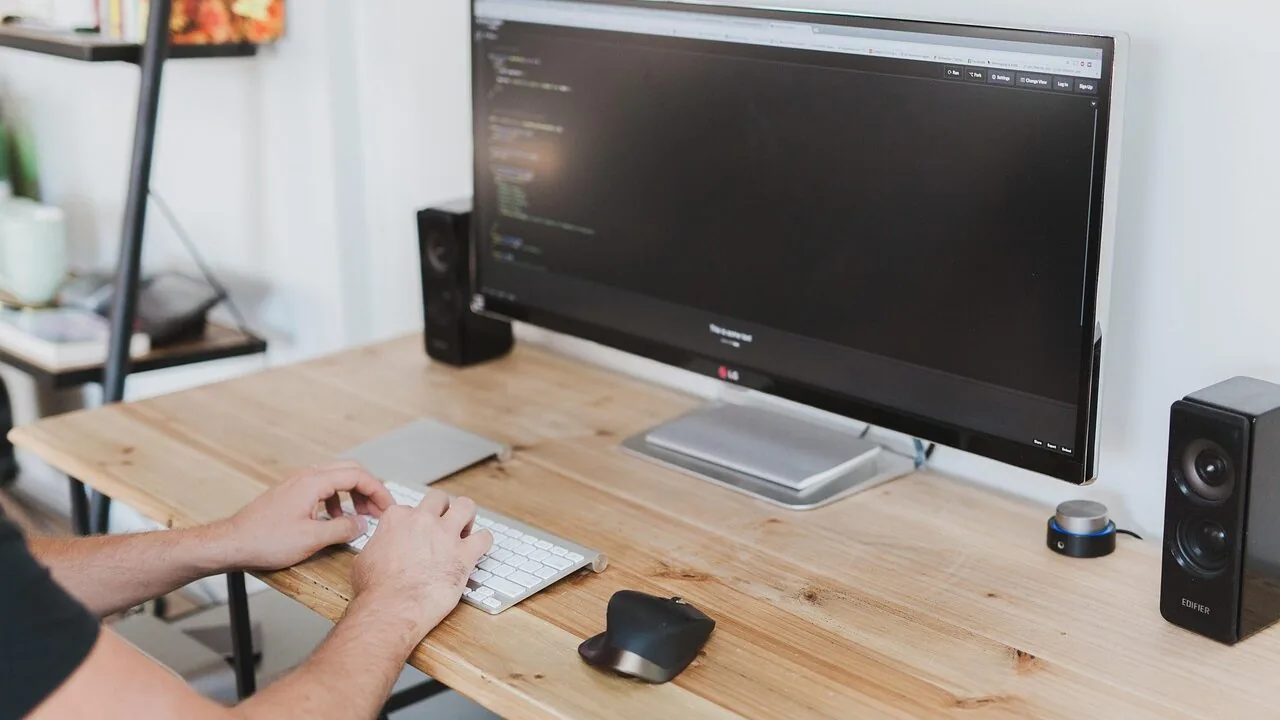
For professionals who keep laptops for years and expect to get maximum value from them, this approach matters significantly. Developers using coding-focused workflows particularly benefit from machines built to last.
Bottom Line for Buyers
The ThinkPad X1 Carbon Gen 14 Aura Edition isn’t a universal solution. It’s specifically engineered for remote workers, traveling professionals, and anyone whose daily computing revolves around productivity applications. If you’re looking for the absolute lowest price or need serious graphics processing power, this laptop will disappoint.
But if you prioritize portability, keyboard quality, display excellence, and the ability to maintain and repair your own machine, this represents one of the best options currently available. The “Space Frame” design is the most significant update to this line in years, and Lenovo delivered it without adding weight to an already impressively portable device.



Write Your Review
No reviews yet. Be the first to share your experience!